How to Track LinkedIn Prospects in Real Time
Track profile views, engagement, and job changes on LinkedIn to identify in-market buyers and act within minutes.
Share this article

- Key Signals to Monitor: Profile views, post engagement, job changes, and company updates. These activities reveal intent and interest.
- Tools to Use: Platforms like SalesMind AI automate tracking, scoring, and outreach for LinkedIn prospects, starting at $49/month.
- Setup Steps: Integrate your LinkedIn account, configure tracking preferences, and import leads. Tools like SalesMind AI enable quick setup and real-time alerts via a unified inbox.
- Why It Works: Engaging prospects immediately after they show interest leads to higher response rates and faster sales cycles.
How to Track LinkedIn Prospects in Real Time
In sales, timing is everything. Real-time LinkedIn prospect tracking helps you engage leads at the right moment by monitoring their activities like profile views, post interactions, and job changes. This approach improves response rates by 25–50% and can boost conversions by as much as 35%. Here’s how you can set up and use a real-time tracking system effectively:
- Key Signals to Monitor: Profile views, post engagement, job changes, and company updates. These activities reveal intent and interest.
- Tools to Use: Platforms like SalesMind AI automate tracking, scoring, and outreach for LinkedIn prospects, starting at $49/month.
- Setup Steps: Integrate your LinkedIn account, configure tracking preferences, and import leads. Tools like SalesMind AI enable quick setup and real-time alerts via a unified inbox.
- Why It Works: Engaging prospects immediately after they show interest leads to higher response rates and faster sales cycles.
- Optimize and Scale: Regularly review metrics like response rates and conversion rates. Adjust your signal criteria and scale up by automating tasks.
5-Step Real-Time LinkedIn Prospect Tracking System Setup Guide
What Real-Time Prospect Tracking Means on LinkedIn
Real-time prospect tracking focuses on monitoring live activities on LinkedIn instead of relying on static lists based on Ideal Customer Profiles (ICPs). Traditional prospecting typically categorizes potential clients by criteria like job title, company size, or industry. In contrast, real-time tracking zeroes in on the roughly 5% of prospects actively researching solutions at any given moment [1].
This method goes beyond static ICP lists by identifying specific individuals who have recently engaged with your content - whether through comments, status updates, or profile views - showcasing clear intent. Unlike traditional intent data, which often provides anonymous account-level insights (e.g., "Acme Corp is researching CRM tools"), LinkedIn's real-time tracking highlights the exact person, such as a VP of Sales, allowing for direct and personalized communication [1].
What Real-Time Signals Are
Real-time signals are specific LinkedIn activities that suggest a prospect's interest or indicate a potential buying opportunity. These signals fall into several categories:
- Engagement signals: Actions like post likes, comments, shares, and reactions. While a single like may show mild interest, repeated engagement often confirms intent [1].
- Content consumption signals: Tracking when prospects interact with articles, videos, or shared documents provides insight into their interests [1].
- Profile activity signals: These include profile views, connection requests, or following a company page, signaling direct interest in your brand [1].
- Organizational change signals: Updates like job title changes, new hires, funding announcements, or leadership transitions. For instance, new executives often reassess vendor relationships within their first 90–120 days [1].
- Job posting signals: When companies advertise roles, it can indicate new priorities or budget allocations [1].
Together, these signals create a comprehensive picture of a prospect's intent, underscoring the importance of timely outreach.
Why Real-Time Tracking Works
Real-time tracking captures prospects while they're actively researching solutions. Research shows that most buyers complete 70% of their decision-making process before ever reaching out to a vendor [1]. By identifying intent early, you can engage prospects before their choices solidify.
The advantages are clear. Outreach based on intent signals achieves response rates that are 3 to 5 times higher than traditional cold outreach [1]. Additionally, contacting a prospect within 48 hours of a job change increases meeting acceptance rates by 2.5 times [1]. This strategy also benefits from "signal stacking", where multiple actions - like a comment, profile view, and job change - combine to reveal sustained interest. This approach ensures you're targeting the ~5% of in-market prospects who are most likely to convert, rather than chasing fleeting interactions [1].
How to Set Up a Real-Time Tracking System
Creating a tracking system involves three main steps: choosing the right tools, configuring them correctly, and importing your prospect lists. The process usually takes about 15–30 minutes from start to finish.
Selecting Your Tracking Tools
Start by picking a tool that seamlessly integrates with LinkedIn and Sales Navigator. The best options will automate signal detection and follow-ups while ensuring compliance with GDPR and CCPA regulations. Look for features like:
- Native LinkedIn integration via API connections
- Real-time tracking of signals (e.g., profile views, post engagements)
- Automation for alerts and personalized responses
SalesMind AI is a standout option. It offers LinkedIn outreach automation, direct integration with Sales Navigator, an AI-powered inbox, and advanced lead scoring based on intent signals. The platform tracks activities like profile visits, connection requests, and job changes, triggering automatic follow-ups without extra effort. Pricing starts at $49 per month, with a $99 per month plan that includes unlimited imports and real-time alerts. According to LinkedIn's 2023 B2B Marketing Benchmark, teams using LinkedIn-integrated trackers experience a 35% boost in connection rates.
Setting Up Your Tracking System
Once you’ve selected your tool, sign up and link your LinkedIn account using OAuth for secure access. Tools like SalesMind AI feature a cloud-based setup wizard that can guide you through the process in under 10 minutes. Here’s what you’ll need to configure:
- Signals to track: Choose activities like profile views, post likes, and job changes.
- Notification preferences: Set up alerts via email or Slack.
- CRM integration: Ensure smooth data flow between systems.
Test your setup with a sample profile to confirm everything works. Real-time alerts should activate within 1–5 minutes. SalesMind AI, for example, averages a 2-minute detection latency, while other tools may take 5–15 minutes due to API restrictions. To stay within LinkedIn’s daily limits (100 searches per day for free accounts), enable webhooks and set API rate limits. Don’t forget to activate two-factor authentication on your integrated accounts for added security.
Once your system is up and running, you’re ready to import your prospect lists.
Importing Your LinkedIn Leads
Start by exporting your Sales Navigator leads as a CSV file. This file should include key details like names, titles, companies, and LinkedIn activity. Upload the CSV to your tracking tool’s dashboard, map fields (e.g., LinkedIn URL to profile ID), and you’re good to go. SalesMind AI allows bulk imports of up to 10,000 leads, with automated deduplication to prevent overlap. It processes 1,000 records in under 5 minutes with 95% accuracy for profile matching.
You can also import leads from other LinkedIn sources. For example:
- Extract engagement lists from LinkedIn posts (e.g., users who liked or commented).
- Download attendee lists from LinkedIn Events pages as CSV files.
- Use CRM exports, ensuring the CSV includes LinkedIn profile URLs for precise matching.
One SaaS sales team saw impressive results using SalesMind AI. They imported 5,000 Sales Navigator leads, set up tracking for post engagements and job changes, and achieved a 30% increase in qualified meetings within two weeks - all thanks to automated alerts. If you’re just starting, try importing 100–200 leads first to fine-tune your settings before scaling up.
A well-prepared lead import ensures your system is ready for real-time analysis and engagement, setting the stage for proactive and efficient outreach.
Tracking the Right Intent Signals
When it comes to sales outreach, not all interactions carry the same weight. For example, a comment from a VP of Sales on a competitor comparison is far more telling than a casual post from an entry-level employee. The key is to focus on signals that align with buying behavior.
Which Intent Signals to Track
Start with high-intent signals - these are clear indicators that a prospect is actively evaluating options. Examples include visits to your pricing page, demo requests, or engaging with competitor content. For instance, a comment on a sales tool comparison often signals that a decision is close.
Medium-intent signals are subtler but still worth monitoring. These might include repeated visits to your profile, comments on industry-related posts that hint at pain points, or attendance at your webinars. For example, if someone views your profile three times in two weeks, they’re likely researching - not just casually browsing.
Job change signals are another goldmine. Leadership hires, such as new VPs or Directors, typically come with fresh budgets and a 90-day window to make an impact. These changes create a prime opportunity for outreach, so act quickly to connect.
Company-level signals are just as important. Funding announcements and hiring trends can reveal where budgets are being allocated. For example, if a company posts several job openings for SDR roles, it’s a sign they’re scaling their outbound efforts and may need sales enablement tools. Tools like Sales Navigator can help you track these signals using filters like "Changed jobs in last 90 days" or "Company news."
| Hiring Signal | What It Indicates | Relevant Product/Service |
|---|---|---|
| SDR/BDR roles | Outbound scaling | Sales engagement, prospecting tools |
| Marketing Manager | Content investment | Marketing automation, analytics |
| RevOps roles | Process optimization | CRM, data tools, workflow automation |
| Customer Success | Post-sale focus | CS platforms, retention tools |
SalesMind AI simplifies this process by automatically tracking and scoring these signals, prioritizing prospects who exhibit multiple high-value behaviors.
How to Combine Multiple Signals
Tracking individual signals is useful, but combining them gives you a clearer picture of a prospect’s intent. Rarely does a single action tell the whole story. This is where signal stacking comes in - layering multiple signals helps you identify genuinely hot leads while filtering out less meaningful interactions. For example, someone who liked a post six months ago isn’t likely ready to buy. But someone who changed jobs last week, viewed your profile twice, and commented on a sales productivity post? That’s a solid lead.
To make this process more actionable, use predictive lead scoring for LinkedIn campaigns to assign point values to different actions. A comment might be worth 10 points, while a simple post like could be worth 2. Multiple engagements within a short period, like a week, could score 15 points, while a single interaction from a month ago might score only 3. Set a threshold - say 25 points - before initiating outreach. This ensures you focus your efforts on serious prospects and avoid wasting time on those who aren’t ready.
Combine individual signals with company-level data for even more precision. For example, LinkedIn activity tells you who is interested, while company signals like funding rounds or hiring sprees tell you where the budget exists. A marketing manager engaging with your content at a company that just secured Series B funding is a higher-priority lead than someone at a bootstrapped startup.
SalesMind AI can handle this for you. It evaluates signals based on their recency and importance, surfacing only the most qualified prospects. This approach has been shown to increase response rates by 3 to 5 times compared to standard cold outreach [1].
Another critical signal to monitor is competitor engagement. Prospects asking questions on competitor posts or venting frustrations are likely in the evaluation phase. Use Boolean searches in Sales Navigator, like ('Director' OR 'VP') AND 'Sales' NOT 'recruiting,' to zero in on decision-makers.
Timing is crucial, especially with real-time LinkedIn tracking. Responding to high-intent signals within 5 minutes can make your outreach 21 times more effective [2]. Tools like SalesMind AI can send real-time alerts via email or Slack, ensuring you act quickly when multiple signals align.
"The best sales teams do not chase prospects - they respond to signals. When you let buyer behavior guide your outreach timing, you stop being an interruption and start being a welcome resource." - Sarah Mitchell, Head of Sales, Nuph.ai [2]
When you do reach out, reference the prospect’s specific interests to position yourself as a helpful resource rather than an unwelcome interruption. By integrating and acting on these signals, you can deliver personalized, timely outreach that drives results.
Managing and Responding to Real-Time Data
Once you've identified high-intent prospects, the next step is to organize and respond to leads right away. Timing is everything here - leads contacted within 5 minutes are three times more likely to convert compared to those contacted after an hour [3]. This means your real-time tracking system can't just collect data; it needs to help you take immediate action.
How to Categorize and Prioritize Leads
Start by sorting your leads into three main categories: Pending (new signals), Connected (connection accepted), and Engaged (active interaction). Within these groups, prioritize leads based on AI lead scoring signals. For instance, a VP who just switched jobs and commented on a competitor’s post should take priority over someone who liked a post weeks ago.
Create a tiered system to align with your team’s capacity:
- Hot leads: 25+ points with multiple recent signals. These need attention right away.
- Warm leads: 15–24 points with moderate engagement. Aim to follow up within a few hours.
- Cool leads: Below 15 points. These can be nurtured for future follow-ups.
Once your leads are prioritized, set up an alert system that ensures no opportunity slips through the cracks.
Setting Up Alerts and Notifications
Relying on email alerts alone won’t cut it. Instead, use tools like Slack, Microsoft Teams, or your CRM to stay on top of high-priority leads. Here’s how to structure your notifications to keep them effective:
- High-priority alerts: Use instant notifications with an @mention in Slack or another monitored channel for hot leads.
- Medium-priority alerts: Route these to a dedicated channel to avoid overwhelming your team.
- Low-priority updates: Bundle these into daily digest emails.
Make sure each alert includes detailed context, such as the prospect’s company, recent activity, and lead score, so your team can act quickly. To ensure accountability, use automated round-robin assignments to assign ownership for each alert. Build in escalation rules too - if no one acts on a lead within 5–10 minutes, reassign it or notify a manager [3].
Automating Your Follow-Up Messages
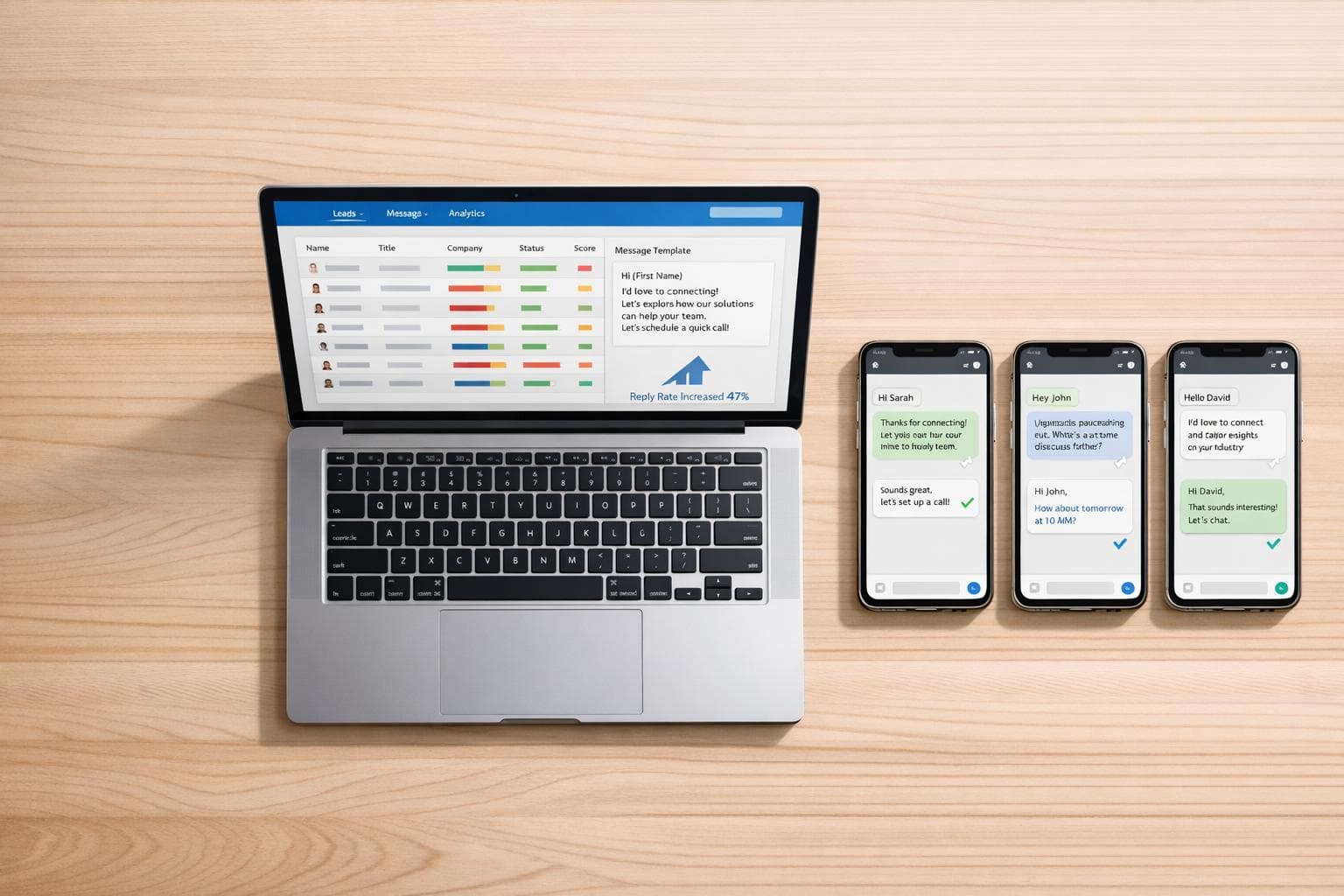
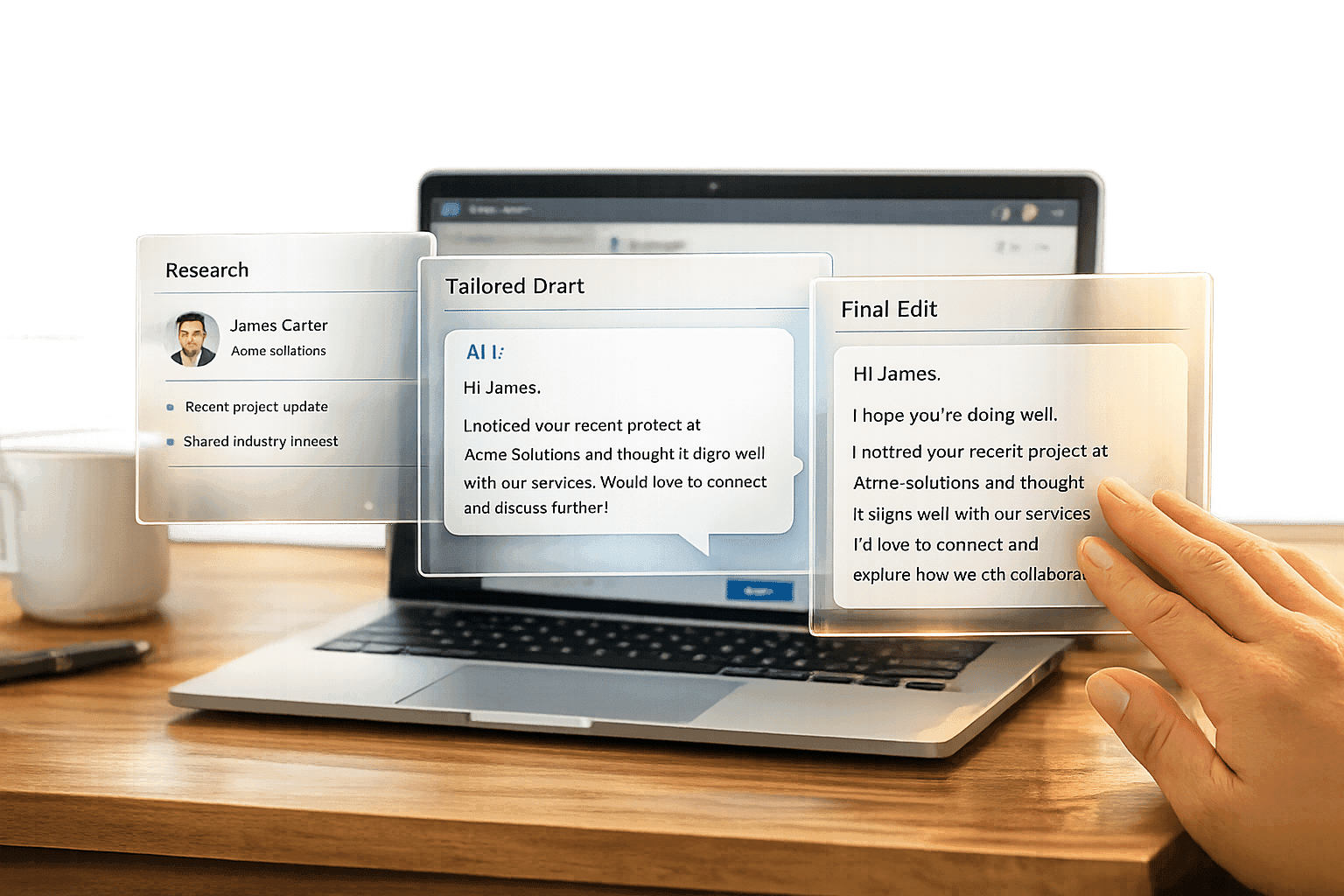
Tools like SalesMind AI can take your follow-up game to the next level by automating personalized messages. The platform uses context - like job changes, competitor-related comments, or multiple profile views - to craft tailored opening messages. For example, it might reference a recent job change or engagement with a competitor’s content to make the message feel more relevant.
To refine your approach, A/B test different follow-up styles. One version could highlight a recent job change, while another focuses on the prospect’s engagement with your content. This allows you to see which message type drives better responses. SalesMind AI can then automatically allocate more leads to the winning strategy.
Pairing instant alerts with automated responses ensures prospects hear from you quickly, even while your rep prepares a more detailed follow-up. For example, when a high-intent signal is triggered, SalesMind AI can send a connection request or introductory message within seconds. This keeps the conversation moving while your team gets ready to dive deeper [3].
Measuring and Improving Your Tracking Performance
To get the most out of your efforts, focus on metrics that directly impact revenue rather than those that just look good on paper.
Which Metrics to Monitor
Start by keeping an eye on response rates - the percentage of prospects who reply to your outreach. A strong benchmark is a response rate of 15–20% or higher. For typical B2B LinkedIn outreach, response rates often range between 10–25%. However, using real-time signals can push these numbers to 30% or more. Break down your results by signal type. For instance, outreach triggered by job changes can deliver response rates about 35% higher than generic signals like profile views.
Next, evaluate conversion rates at two critical stages: lead-to-opportunity and opportunity-to-close. A good lead-to-opportunity conversion rate is 20–30%, while nurtured leads should close at a rate of 30–40%. Real-time tracking can speed up your sales cycle by roughly 25%, making pipeline velocity - the time it takes to go from identifying a lead to closing a deal - an important metric to monitor. Also, track AI behavioral scoring, which measures the ratio of qualified leads to total leads tracked. Aim for an accuracy rate between 75–85%. If it dips below this range for 30 days straight, it’s time to adjust your signal criteria.
Regularly reviewing these metrics will help you fine-tune your approach and improve your results.
Adjusting Your Signal Criteria
Your signal criteria should adapt as you collect more data. Review your performance metrics every quarter to identify signals that underperform. If a signal has a conversion rate below 5%, it’s time to replace it with stronger indicators. For example, a combination of job changes and company growth tends to signal higher intent. Use tools like data exports and controlled A/B tests to refine your model. For instance, test filters like targeting companies with over 500 employees to see if they improve results.
Let’s say LinkedIn profile views generate a 12% response rate but only a 3% conversion rate. Pairing this signal with company funding news could boost conversion rates by about 28%. Similarly, if connection requests are yielding fewer than 8% qualified leads, consider replacing them with signals like tracking engagement when someone comments on a competitor’s post. This can lead to conversion rates in the low 20% range. Prioritize recency by focusing on signals from the last 48 hours to cut down on false positives. Tools like SalesMind AI can simplify this process by automatically updating your rules based on real-time performance data.
As your system becomes more effective, it’s time to think about scaling up.
Scaling Your Tracking System
When your lead volume increases, scaling your tracking system efficiently is key. Begin by assessing your current capacity. For example, if you’re managing 200 leads per week, set a goal to handle 1,000 leads by the fourth quarter. Automation tools like SalesMind AI can help you manage this growth without adding extra staff. Segment your leads by value - high-value prospects should receive personalized attention, while automated follow-ups can handle lower-priority leads.
Integrate your CRM to keep your pipeline synchronized and use a RACI framework to define roles and responsibilities. If you’re managing more than 1,000 leads per month, consider bringing on analysts to help manage the workload. To avoid overwhelming your team, limit the number of signal types you monitor and avoid constant, drastic changes that could lead to alert fatigue. Regularly auditing your KPIs will help you stay on track and avoid common mistakes. By improving your metrics, you’ll not only validate your tracking system but also prepare to handle a larger volume of leads more effectively.
Conclusion
Real-time tracking transforms prospect signals into actionable opportunities. By keeping an eye on key intent signals - like profile views, job changes, and post engagement - you can connect with prospects at the perfect moment. The process starts with selecting the right tools, importing your leads, and setting up alerts for high-priority signals. From there, focus on prioritizing leads, automating follow-ups, and analyzing metrics to fine-tune your strategy.
SalesMind AI simplifies this entire workflow by integrating seamlessly with your process and using AI-driven messaging. This eliminates the hassle of juggling multiple tools, allowing you to engage prospects efficiently without manual tracking. The secret lies in responding quickly - timely outreach, backed by smart tracking, is what turns leads into conversions.
If you're just getting started, focus on one or two key signals, such as profile views or connection requests. Set up alerts to notify you as soon as these signals occur, and send a personalized message while the prospect’s interest is still fresh. Keep an eye on your weekly response rates and tweak your criteria as needed - responding within 1–2 hours can make a noticeable difference in conversion rates.
The key is to test, measure, and refine your approach. Use the metrics outlined here to discover which signals resonate most with your audience. Once your system is running smoothly, scale up by adding more signal types and automating additional follow-up steps. With the right strategy, real-time tracking can shorten your sales cycle while improving lead quality and boosting conversions.
FAQs
Which LinkedIn signals are most worth tracking first?
Tracking LinkedIn signals that indicate strong engagement and buying intent is crucial when you're just starting out. Key behaviors to monitor include profile visits, interactions with your content, replies to messages, and actions like viewing pricing pages or requesting demos. Keeping an eye on these signals allows sales teams to respond promptly while prospects are most interested, boosting the likelihood of turning them into customers.
How fast should I follow up after a prospect triggers a signal?
The best time to follow up after a prospect triggers a signal is within one hour. Acting fast can increase your chances of conversion by as much as 7 times. A prompt response helps keep the conversation alive and ensures you stay top of mind with potential leads.
How do I score and prioritize leads without getting alert fatigue?
Use AI-powered predictive scoring to evaluate real-time data such as website visits, LinkedIn interactions, and email clicks. This technology automatically ranks leads, allowing your team to prioritize high-value prospects without being bogged down by irrelevant alerts. By automating follow-ups and leveraging AI-driven dashboards, you can concentrate on actionable opportunities, cut down on manual tasks, and boost overall efficiency.
Related Blog Posts
Get AI Sales Insights Weekly