5 Tools for LinkedIn Event Promotion
Five tools to automate LinkedIn event outreach, live streaming, and production—boost attendance, engagement, and follow-ups.
Share this article
- SalesMind AI: Automates outreach, follow-ups, and lead scoring while maintaining account security. Users report up to a 40% acceptance rate and pipelines worth $100,000/month.
- LinkedIn Events Tool: Simplifies event creation, offers retargeting pixels, and boosts visibility by turning attendee registrations into network-wide promotions.
- StreamYard: A browser-based live streaming tool for LinkedIn Live, with interactive features like live polls, chat overlays, and multi-platform broadcasting.
- Restream: Enables multistreaming to LinkedIn and other platforms. Features include guest channel streaming and content repurposing.
5 Tools for LinkedIn Event Promotion
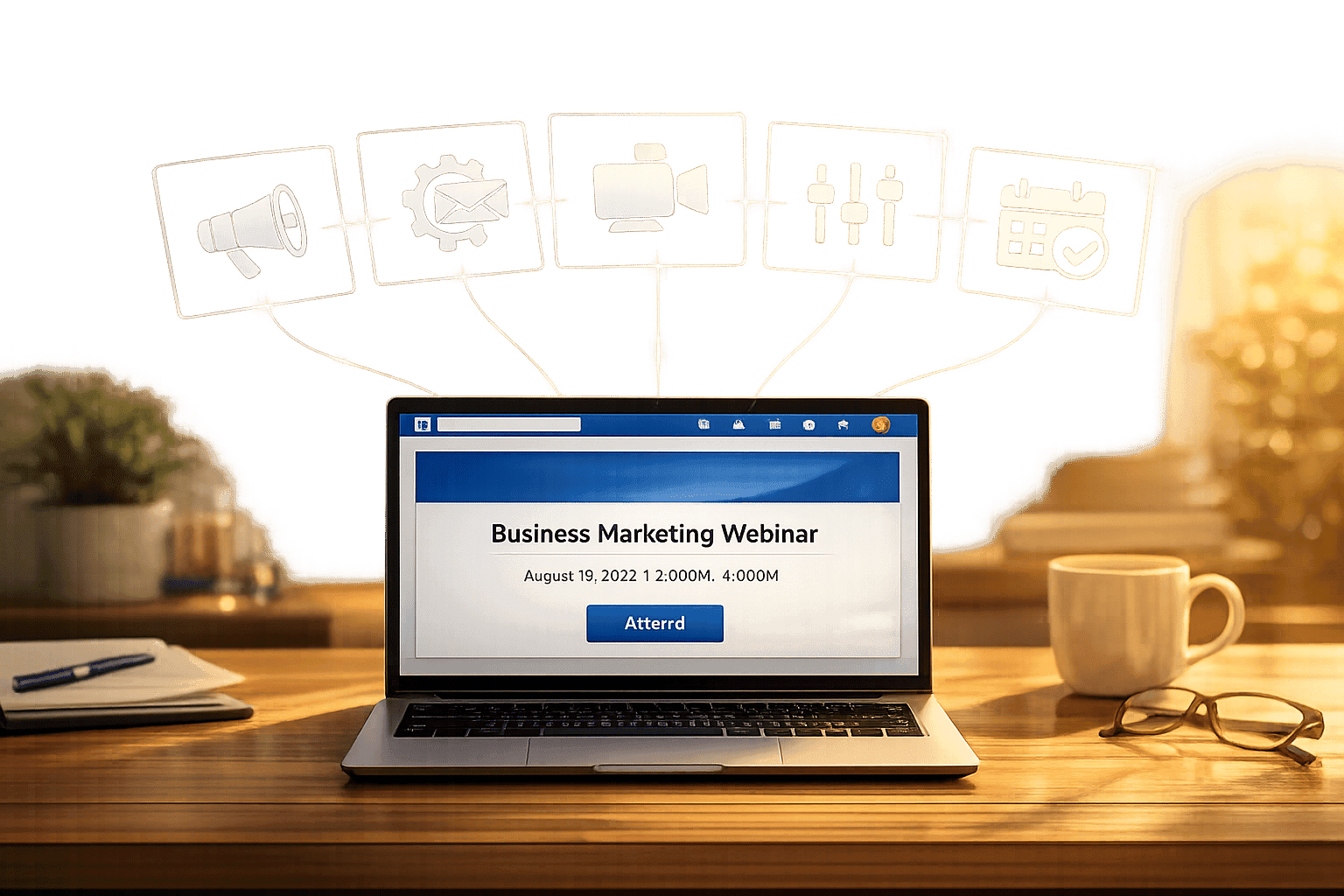
LinkedIn is now a powerhouse for B2B event promotion, especially after its 2026 algorithm update, which prioritizes "Saves" and "Sends" over traditional metrics like "Likes." Promoting events manually is inefficient, with share rates of only 2–5%. Automation tools can boost this to 20–30%, significantly increasing reach and engagement. Here are five tools that can help you promote your LinkedIn events effectively:
- SalesMind AI: Automates outreach, follow-ups, and lead scoring while maintaining account security. Users report up to a 40% acceptance rate and pipelines worth $100,000/month.
- LinkedIn Events Tool: Simplifies event creation, offers retargeting pixels, and boosts visibility by turning attendee registrations into network-wide promotions.
- StreamYard: A browser-based live streaming tool for LinkedIn Live, with interactive features like live polls, chat overlays, and multi-platform broadcasting.
- Restream: Enables multistreaming to LinkedIn and other platforms. Features include guest channel streaming and content repurposing.
- OBS Studio: A free, open-source encoder offering advanced controls for professional LinkedIn Live productions, including detailed scene layouts and high-quality audio.
These tools reduce manual tasks, improve efficiency, and align with LinkedIn's algorithm changes to maximize event visibility and engagement. Choose based on your event goals, technical skills, and budget.
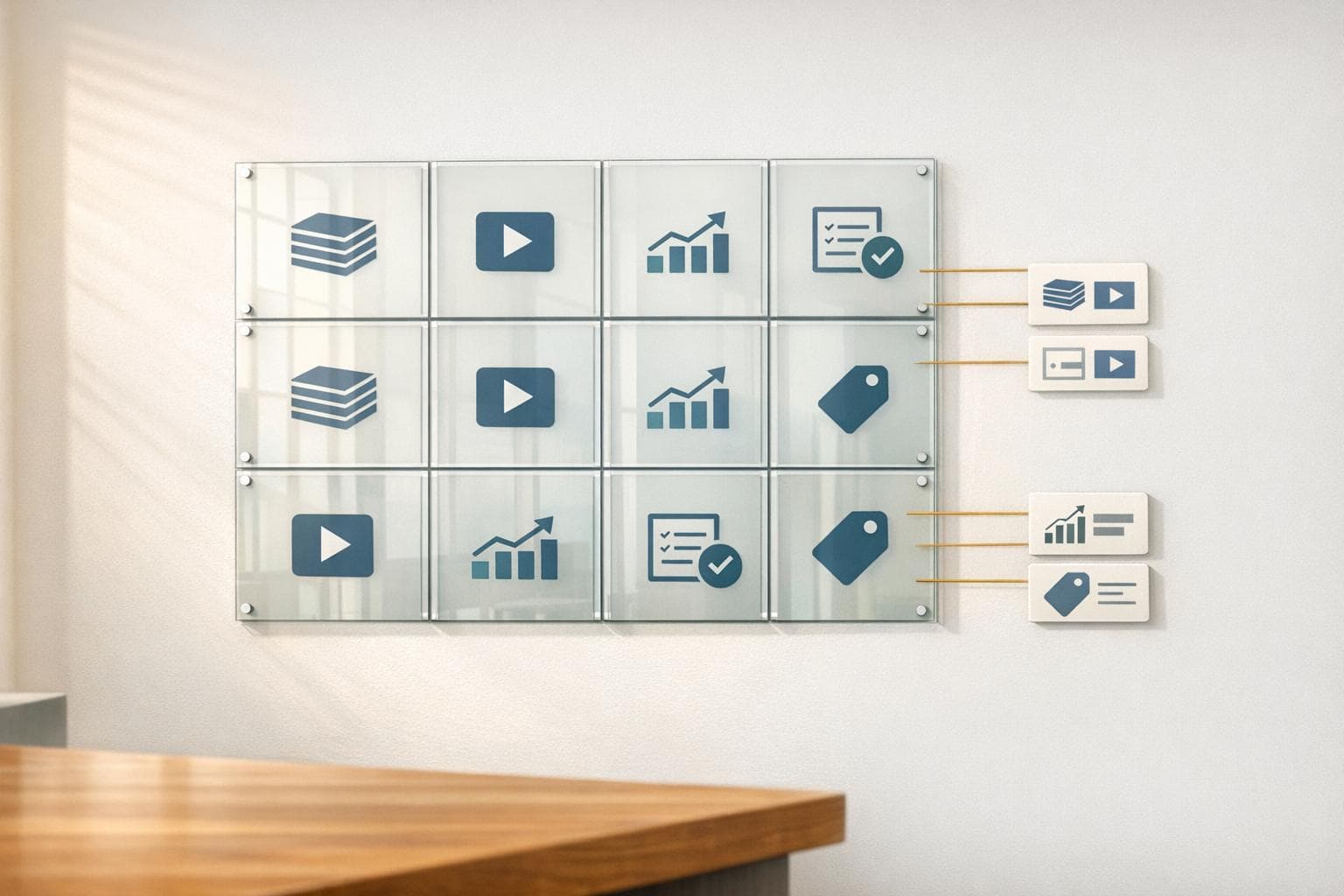
Comparison of 5 LinkedIn Event Promotion Tools: Features and Capabilities
How to Use LinkedIn's Event Feature to Boost Attendance to your event.
Using AI to automate LinkedIn event networking can further streamline this process and maximize your reach.
1. SalesMind AI
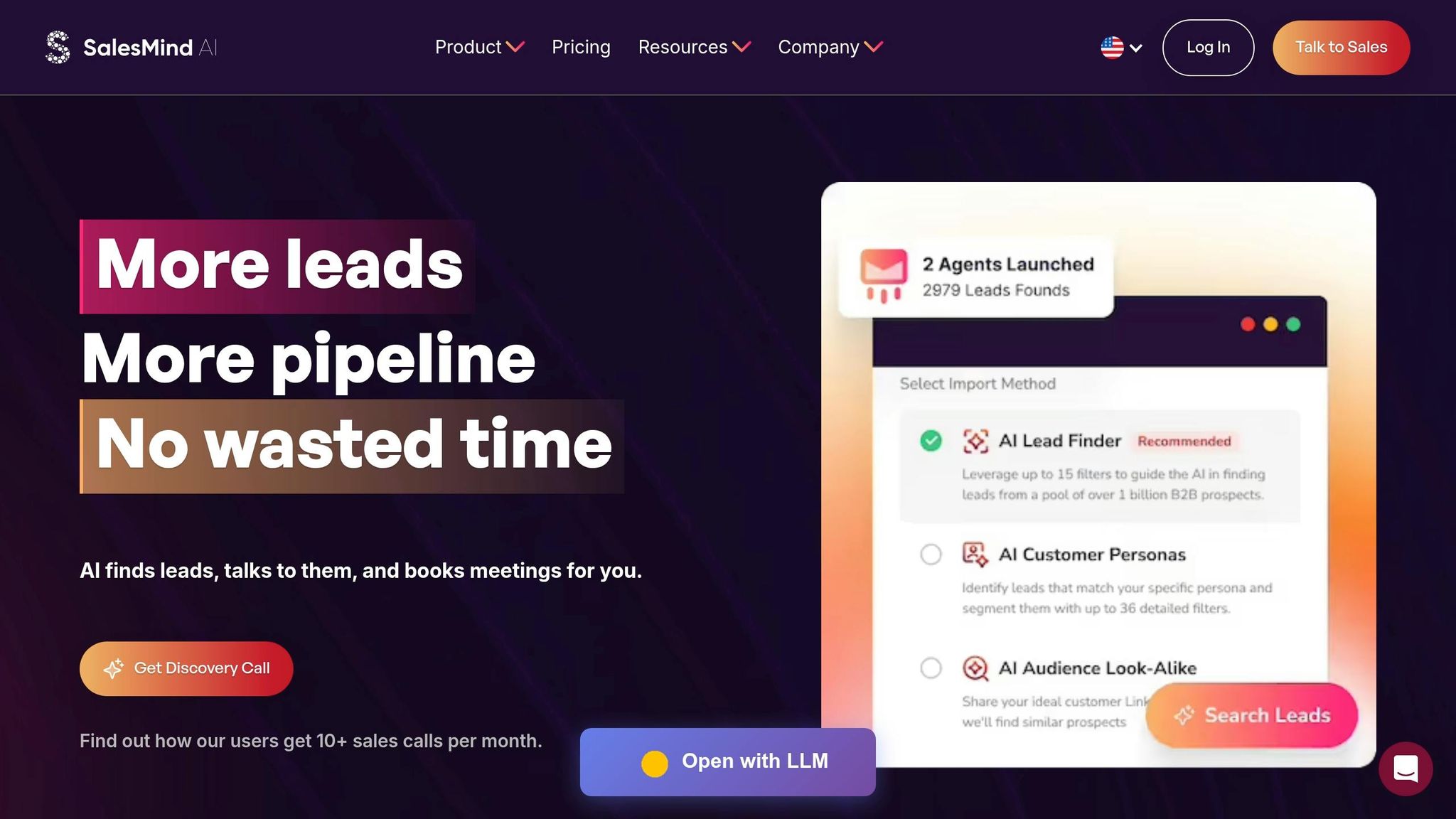
SalesMind AI is designed to simplify LinkedIn event promotion, covering everything from the first outreach to post-event follow-ups.
LinkedIn Integration Capabilities
This tool seamlessly integrates with LinkedIn, automating the entire process of event promotion. It uses LinkedIn lead data to send event invitations, manage connection requests, and handle follow-up messaging.
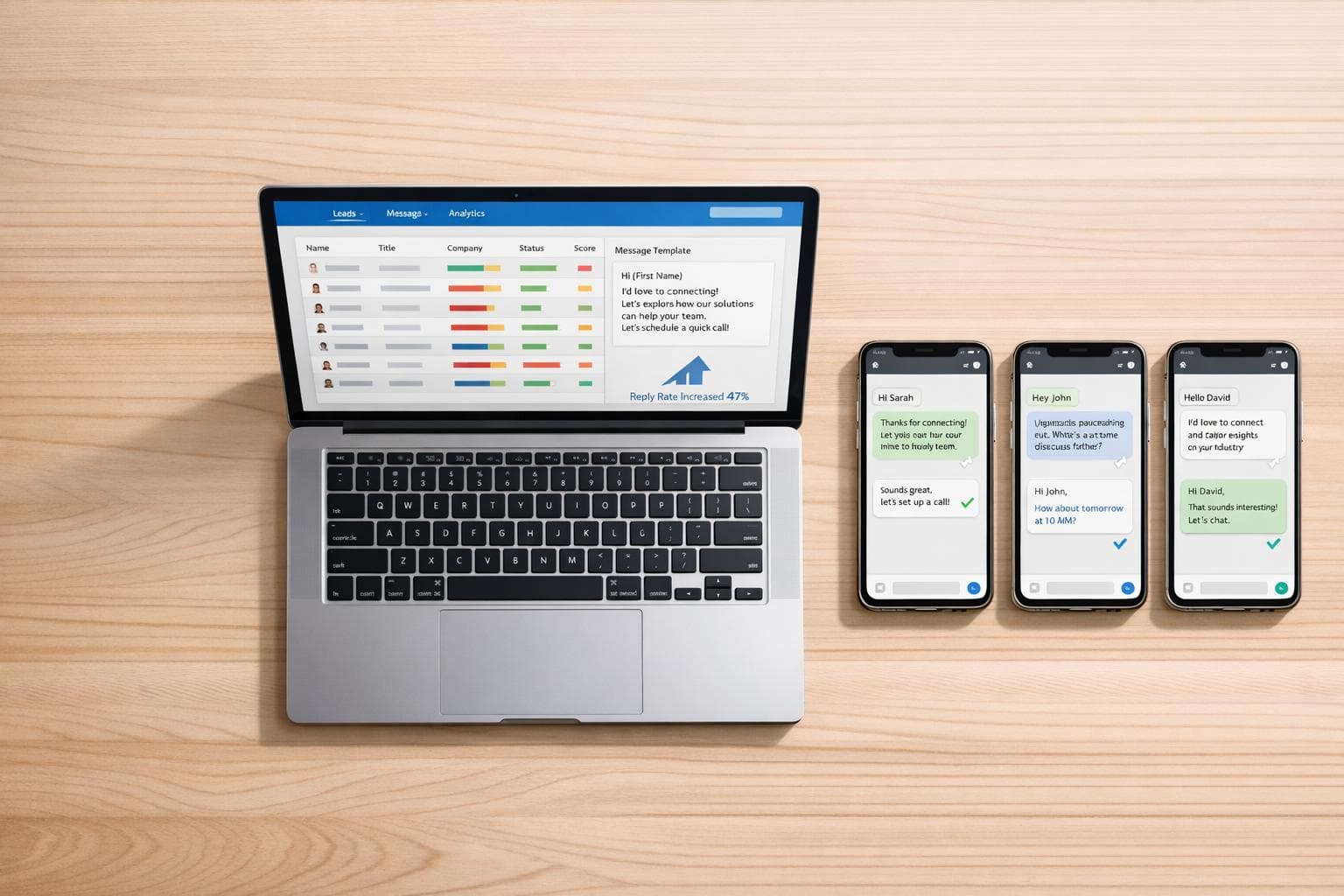
A standout feature is its AI-powered unified inbox, which centralizes LinkedIn replies. The inbox includes pre-written responses, tagging options, and reminders, making it easier to manage and track leads. For example, Alex Lossing, CTO of Slash, adopted SalesMind AI in June 2025 for lead prospecting and saw a 10× productivity boost in just one week [4]. This streamlined system is ideal for managing prospects efficiently.
Whether you're hosting a small webinar or a large conference, this tool adapts to suit your outreach needs.
Automation and Scalability
SalesMind AI takes automation to the next level by handling tasks like profile visits, follows, connection requests, and personalized messages. Users typically see an average 40% acceptance rate and a 45% reply rate, with some generating pipelines worth $100,000 monthly [5].
Its advanced lead scoring system helps prioritize high-potential attendees by assigning scores based on custom filters. Steven Huibers, COO of Policereports.ai, switched to SalesMind AI in August 2024 and reported a threefold increase in lead engagement and response rates [4].
Even better, the platform operates in the cloud, so campaigns continue running even when your browser is closed. It mimics human activity by detecting office hours and setting daily limits, ensuring LinkedIn accounts remain secure while scaling outreach to thousands of prospects.
Audience Engagement Features
Beyond outreach, SalesMind AI excels at keeping leads engaged after the initial contact. Automated follow-up sequences can include RSVP reminders, event teasers, or speaker highlights. The AI co-pilot inbox provides engagement analytics, allowing users to track opens, replies, and sign-ups, helping fine-tune messaging strategies.
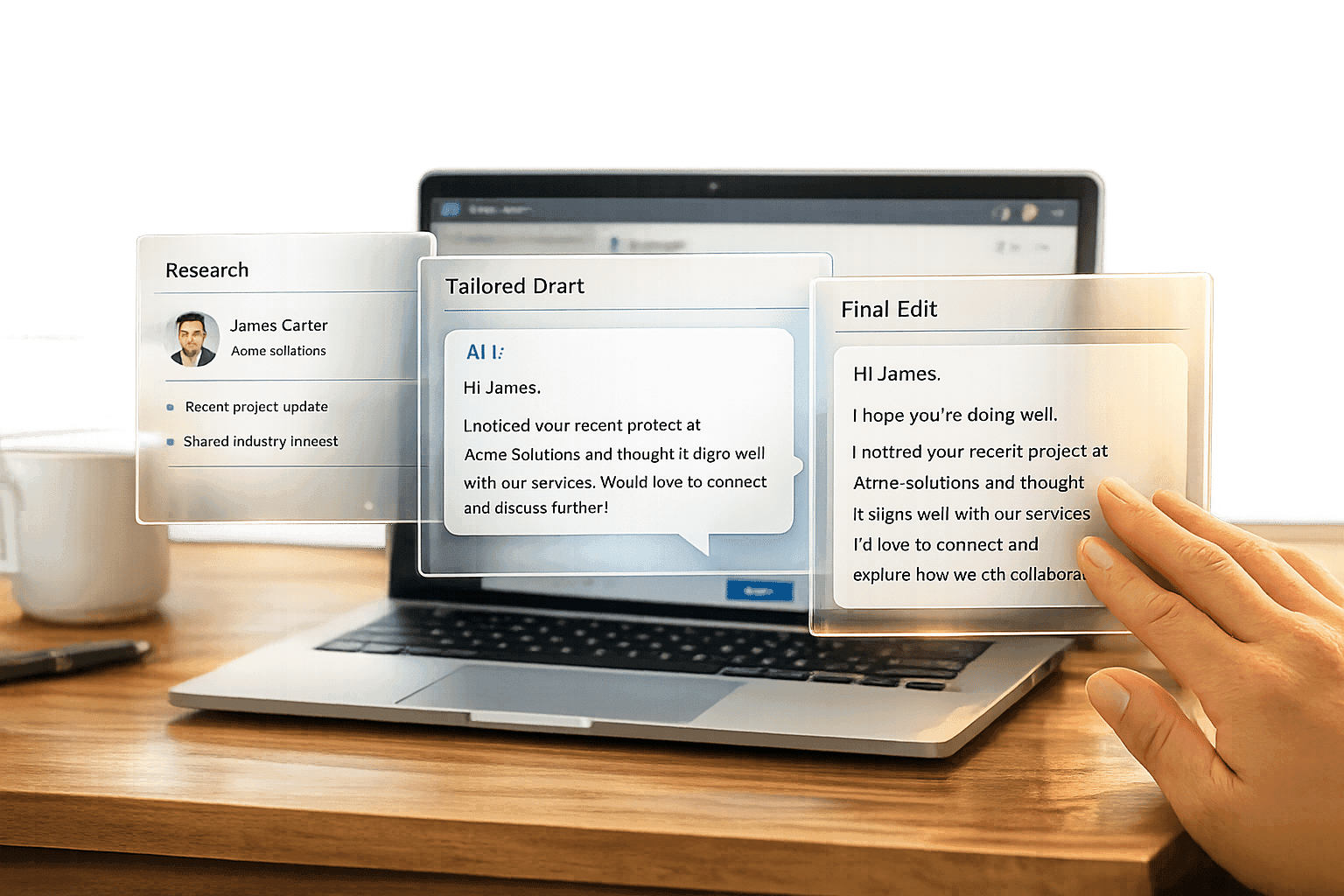
In March 2024, Louis-Alban Batard-Dupre, CEO of Yindii, used the platform to reach out to 100 leads simultaneously, significantly improving engagement [4]. The tool’s personalization engine uses AI to craft highly relevant messages, increasing acceptance rates and sparking meaningful conversations [5]. Many users report securing 10 or more sales calls per month through LinkedIn automation [4][5].
2. LinkedIn Events Tool
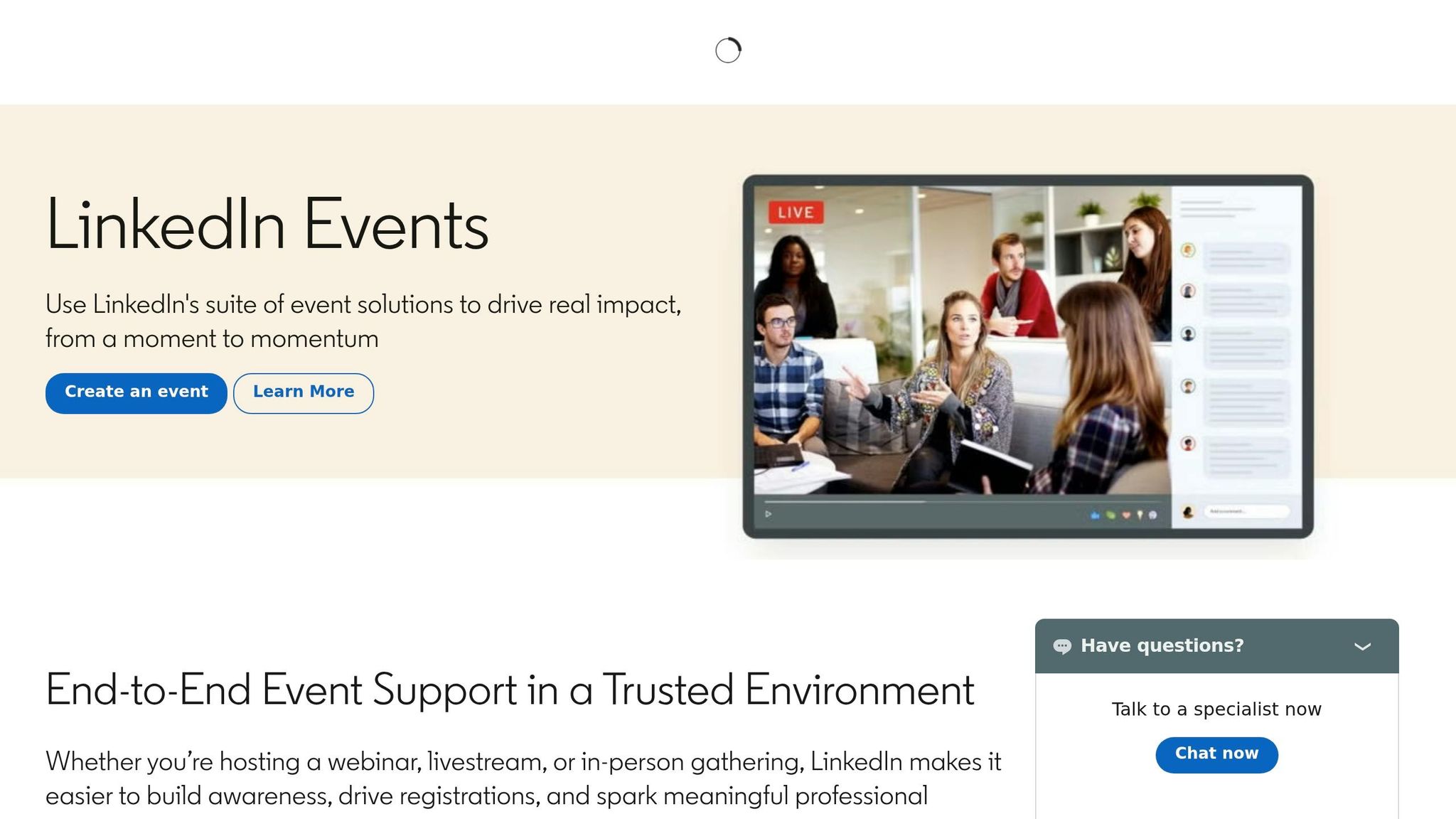
LinkedIn's Events Tool allows you to promote events directly on the platform, giving you access to a network of over 1 billion professionals [6].
LinkedIn Integration Capabilities
This tool lets you create dedicated event pages for online, in-person, or hybrid events. The type of event you choose can influence LinkedIn's algorithm, helping your event show up in relevant suggestions. It also offers a specialized "Event Ad" format that includes a one-click "Attend" button, making it easier for users to register directly from their feed [6].
Another handy feature is LinkedIn's retargeting pixel, which helps you reconnect with visitors who checked out your event page but didn’t sign up. Additionally, LinkedIn automatically recommends events to users based on their professional profiles, industries, and interests. These features not only simplify the event creation process but also help you connect with the right audience.
Audience Engagement Features
When someone registers for your event, their registration often appears in their professional network’s feed. This increases visibility and turns attendees into indirect promoters of your event. In fact, research shows that content shared by individuals gets 8× more engagement compared to posts from brand pages [6].
LinkedIn’s algorithm in 2026 gives priority to content that users "Save" or "Send" over simple "Likes" or "Comments" [1]. To make your event stand out, use a clean banner image (1584 × 396 pixels) that includes the event name and date. Posts with visuals tend to get 3 to 5 times more engagement than plain text announcements [1][6]. You can also tag speakers and sponsors in your posts, which triggers notifications and increases the likelihood of resharing [6].
Cross-Platform Promotion
You’re not limited to LinkedIn when promoting your event. The tool provides a unique event URL that you can share across other platforms, like Facebook, Twitter, or WhatsApp [6]. If you’re considering paid promotion, LinkedIn Event Ads typically cost around $25 to $50 per click, making it easier to plan your advertising budget [1].
3. StreamYard
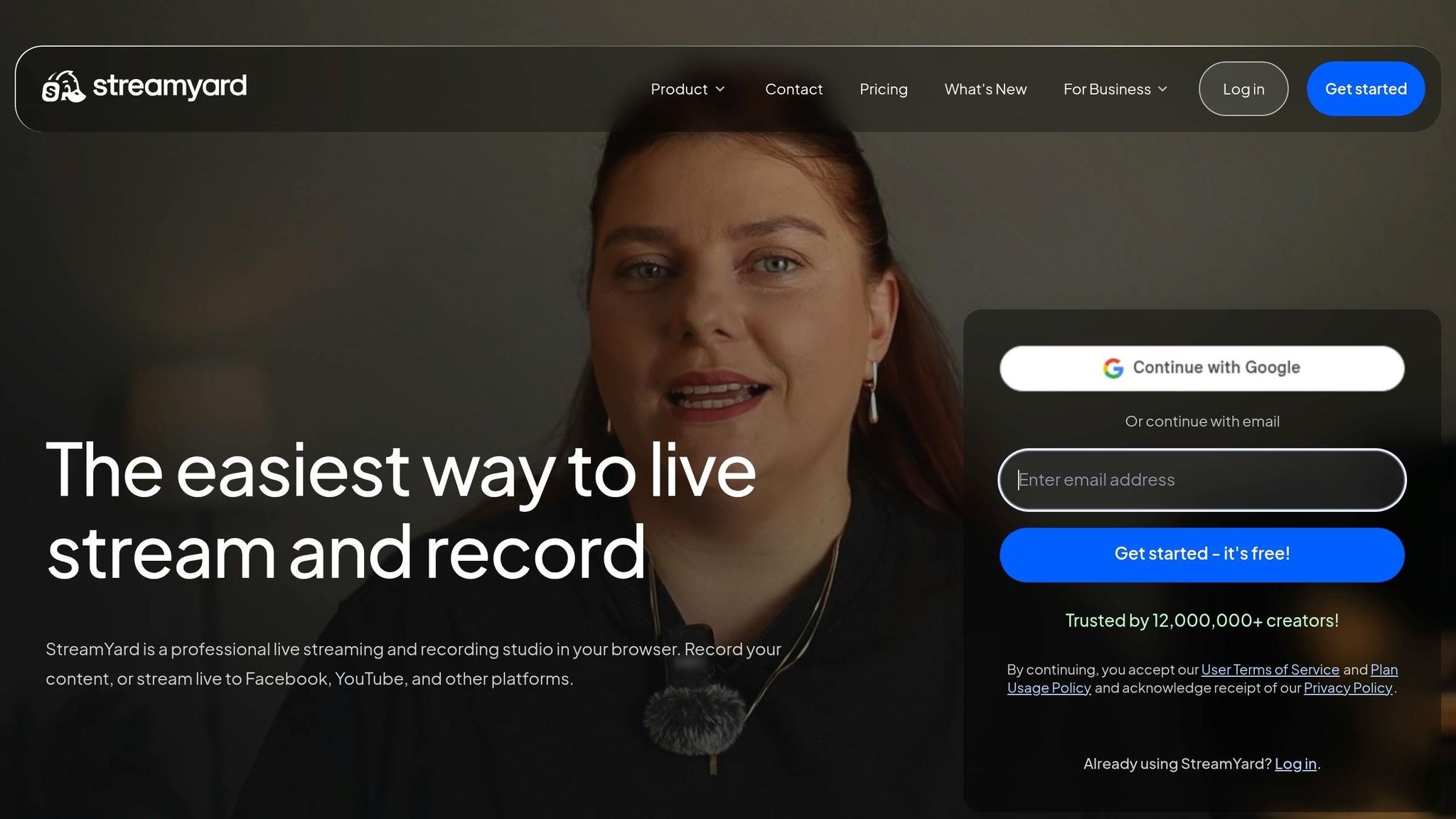
StreamYard is a browser-based live streaming tool designed to work seamlessly with LinkedIn Live. It allows you to create, schedule, and broadcast events directly from your browser - no downloads or complicated encoder setups required [8].
LinkedIn Integration Capabilities
With StreamYard, scheduling LinkedIn Live events is straightforward. From the dashboard, you can set your event's title, description, and start time (just remember, LinkedIn requires at least an hour's notice before going live) [8]. Once your event is created, StreamYard automatically generates a LinkedIn post with a "Remind Me" button, making it easy for your audience to RSVP and get notified before the stream begins [7].
The platform supports up to 10 on-screen guests and 15 off-screen participants, making it ideal for panel discussions. As the StreamYard team explains:
"Guests join from a browser link with no software downloads. Many users describe this as 'passing the grandparent test,' meaning non-technical speakers can get in and on-camera quickly" [8].
These features make it simple to host interactive and professional live sessions.
Audience Engagement Features
StreamYard includes a range of tools to keep your audience involved during live events. You can display LinkedIn viewer comments on-screen using a chat overlay, run live polls for instant feedback, and even manage contests with the Giveaway Tool [7]. Additionally, you can use banners, scrolling tickers, and on-screen QR codes to share important details or direct viewers to specific links during your stream [7].
These features help ensure that your live events are dynamic and engaging.
Cross-Platform Promotion
StreamYard also makes it easy to expand your reach by broadcasting simultaneously to platforms like YouTube, Facebook, X (formerly Twitter), and Twitch [7]. With its Multi-Aspect Ratio Streaming (MARS) feature, you can stream in both landscape and portrait modes during the same session, ensuring an optimized viewing experience for both desktop and mobile users [9]. After your event, the AI Clips tool can generate captioned video snippets, perfect for sharing on TikTok or Instagram [9]. Plus, the platform records in HD for up to 10 hours, giving you plenty of material to repurpose later [8].
4. Restream
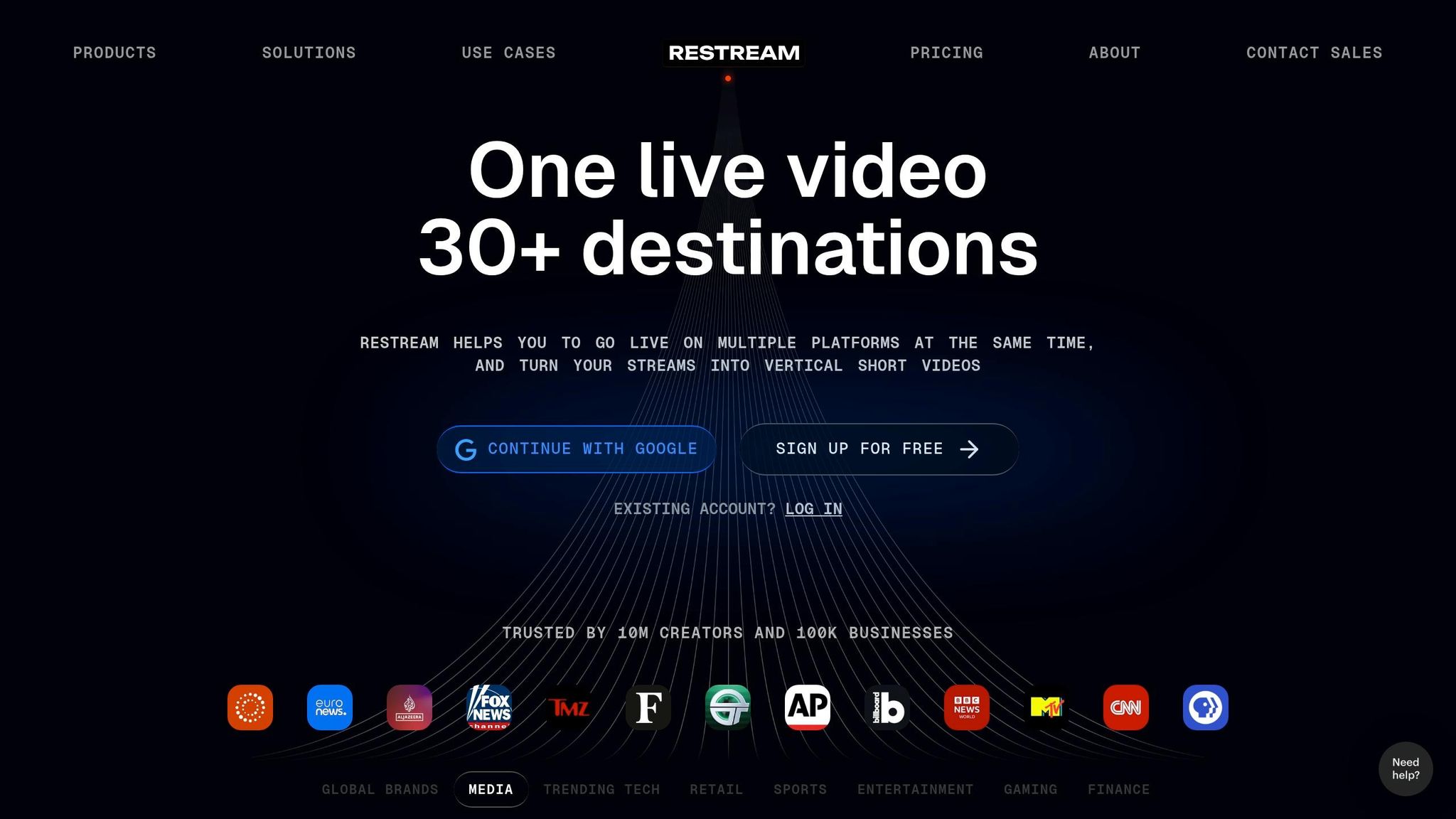
Restream is a multistreaming platform used by over 10 million businesses and individuals [10]. It allows you to broadcast LinkedIn Live events while simultaneously streaming to other platforms like YouTube and Facebook.
LinkedIn Integration Capabilities
Restream makes scheduling LinkedIn Live events straightforward with tools like Studio, RTMP, or Video/Playlist. By selecting the "Create an event page on social platforms" option during setup, a LinkedIn event post is automatically created to notify your followers ahead of time [11].
The platform also supports LinkedIn's combined audio-video format, offering the flexibility to host audio-only broadcasts when needed. You can start your live stream as early as 15 minutes before or as late as two hours after the scheduled time [11].
These features make it easier to connect with a wider audience through multichannel lead generation, as we'll explore further in the next section.
Cross-Platform Promotion
One of Restream's standout features is its Guest Channels capability, which allows you to stream directly to your guest speakers' channels, tapping into their audience [10][11]. After the event, you can repurpose your broadcast into clips, podcasts, or audio files to keep the engagement going [10].
Restream offers a free tier, though broadcasts on this plan will include Restream branding on your event thumbnail. Paid plans remove this branding and provide access to additional professional tools [11]. Alana Variano, Principal Product Manager at LinkedIn Live, shared her enthusiasm for the partnership:
"We're excited to partner with Restream to allow individuals and organizations to stream live events and Q&As directly with their communities" [10].
5. OBS Studio
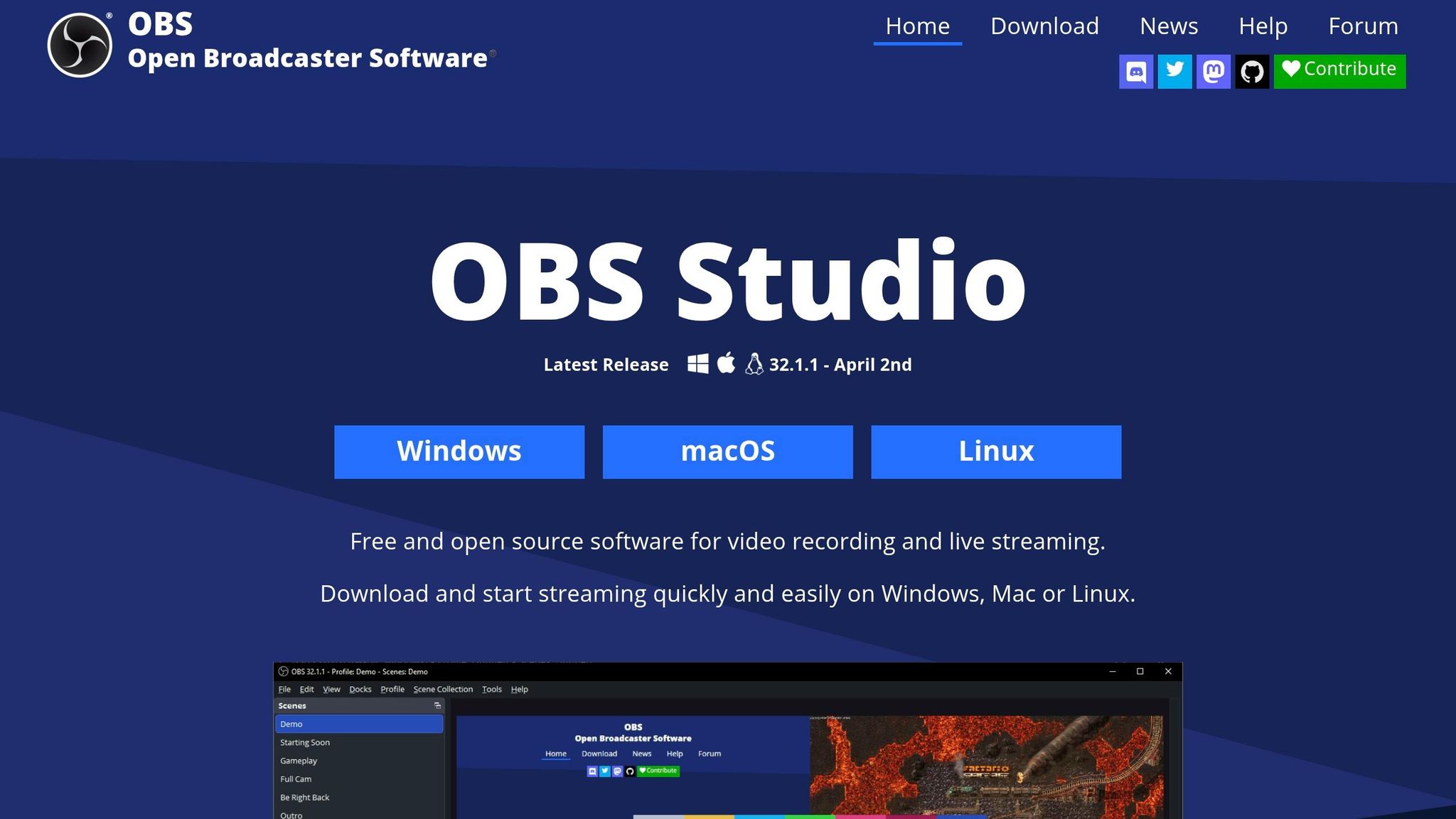
OBS Studio is a free, open-source desktop encoder designed for professional LinkedIn Live productions. Unlike browser-based tools, it offers full control over every technical aspect of your broadcast, from bitrate and codec settings to creating intricate scene layouts with multiple sources.
LinkedIn Integration Capabilities
To connect OBS to LinkedIn, you'll need to use RTMP. This involves generating a custom stream by providing a server URL and stream key from your LinkedIn Page, then entering those details into OBS [8]. Keep in mind, starting June 22, 2026, LinkedIn Live broadcasts must be scheduled in advance - spontaneous streaming won't be supported anymore.
OBS stands out by allowing you to create highly detailed and professional scenes that go far beyond what browser-based tools can handle. You can combine webcams, window captures, images, text overlays, and browser windows into a seamless broadcast [8]. Features like Studio Mode let you preview your scenes before they go live, while Multiview allows you to monitor up to eight different scenes at once. These tools make it possible to deliver a polished and engaging experience.
Audience Engagement Features
With OBS, you can incorporate visually striking elements like branded lower thirds, custom logos, and color-coordinated overlays to ensure a consistent look throughout your event [8]. This attention to detail matters - AI tools for LinkedIn prospecting and visual posts generate 3 to 5 times more engagement compared to text-only updates [1].
OBS also gives you advanced control over audio quality. It supports VST plugins for features like noise gates and suppression, ensuring your broadcast sounds as professional as it looks. You can even set up custom hotkeys to streamline tasks like switching scenes, muting audio, or starting your stream.
Cross-Platform Promotion
OBS doesn't just excel during live broadcasts; it also makes post-event content repurposing straightforward. You can record your stream in high definition locally, creating a master copy for future use. LinkedIn Marketing Solutions advises:
"If your 3rd-party broadcasting partner allows you to download your recording, slice the content and share highlights from your LinkedIn Live Event using a video ad or post on LinkedIn" [12].
This strategy is effective because content shared by peers garners 8 times more engagement than content published directly by brands [13].
Conclusion
Effectively promoting LinkedIn events comes down to using the right tools to streamline outreach, tailor content for LinkedIn's algorithm, and turn attendees into advocates. The tools discussed - ranging from SalesMind AI for personalized messaging to OBS Studio for professional broadcasting - help simplify manual tasks and transform them into automated actions that enhance both reach and efficiency.
Here’s a striking fact: sales representatives spend only 28% of their week actually selling, with the rest eaten up by tasks like research and data entry [3]. Automation tackles this imbalance, freeing up time for more impactful work. On LinkedIn, the 2026 algorithm now emphasizes Saves and Sends, while posts with images generate twice the engagement and videos drive five times more [1][2].
When choosing tools, think about your budget, technical skills, and event goals. Free options like OBS Studio are great for those with a DIY mindset, while professional platforms, starting at around $19/month, offer more robust features [2]. If your priority is scaling outreach and building relationships, SalesMind AI provides tools for automated messaging and AI-driven lead scoring to connect with prospects efficiently. For live event production, StreamYard and Restream make multi-platform broadcasting simple, while OBS Studio gives you full control for polished productions. And don’t forget the LinkedIn Events Tool - it’s an essential hub for registrations and basic promotion.
Many successful event planners mix and match these tools, blending automation for efficiency with authentic human interaction to build trust and drive attendance. The right combination can amplify your event’s success and create lasting engagement.
FAQs
How do I optimize event posts for LinkedIn’s 2026 algorithm?
To make your event posts stand out on LinkedIn in 2026, focus on organic targeting and crafting engaging content. LinkedIn’s targeting tools let you fine-tune your audience by factors like location, industry, or job function, ensuring your post reaches the right people.
Pair this with professional, attention-grabbing content. Use high-quality images or videos to encourage interaction, as LinkedIn’s algorithm rewards posts with strong engagement.
Don’t overlook LinkedIn’s event-specific tools, either. Features like targeted invitations and event ads can significantly increase your post's visibility, helping you connect with your desired audience more effectively.
Which tool is best for my event: outreach automation or live streaming?
When it comes to choosing the right tool, it all boils down to your event goals. If you're aiming to automate LinkedIn outreach, generate leads, and manage personalized messaging, outreach automation tools like SalesMind AI are a solid choice. These tools simplify tasks like outreach, lead scoring, and follow-ups, saving you time and effort.
On the other hand, if your primary focus is engaging with a large audience in real time, live streaming tools are the way to go. They’re perfect for broadcasting events and fostering instant interaction.
Ultimately, your decision should hinge on whether your priority lies in outreach automation or hosting live events.
What’s the safest way to automate LinkedIn event invites and follow-ups?
Using AI-driven tools is one of the most reliable ways to ensure account safety and compliance. For example, platforms like SalesMind AI handle tasks such as personalized messaging, lead scoring, and follow-ups while prioritizing security.
To maintain safety, it's important to follow a few key practices: select a trusted platform, clearly define your target audience, design customized campaigns, and keep a close eye on analytics. Be cautious with over-automation, as it could activate spam filters. By blending AI-powered automation with thoughtful, personalized outreach, you can promote events effectively without compromising security.
Related Blog Posts
Get AI Sales Insights Weekly