LinkedIn Outreach Templates That Get Replies in 2026 (8 You Can Steal)
Eight LinkedIn outreach templates that get replies, grouped by stage: connection requests, the first message after they accept, follow-ups, re-engaging a ghost, referrals and warm intros. Each one explains why it works, built on the RELATE check, with a before/after makeover, a decision table, honest sourced numbers and safe-sending rules from LinkedIn's own pages.
Connect & share


- Templates fail when they are built to be sent, not read. Give the reader one real reason to reply.
- Run every message through the RELATE check: Reason, Empathy, Low-friction value, Ask, Tone, Exit.
- Keep the connection request short and pitch-free. The ask comes later, after you earn the reply.
- Change the Reason and the value for each person. Keep the shape the same.
- Templates are allowed. Unauthorized automation that scrapes or mass-messages is what risks a restriction.
What makes one prospect reply while another ignores you, when the message is almost the same? That gap is the whole game in LinkedIn outreach. The eight templates below close it, and each one tells you why it works, so you can change the words and keep the result.
A template is a shortcut, not a script. Used well, it saves you time and still sounds like a person. Used badly, it is the reason your invite sits unanswered. By the end you will know which line to change for every prospect, and why the change matters.
Why most LinkedIn outreach templates fail
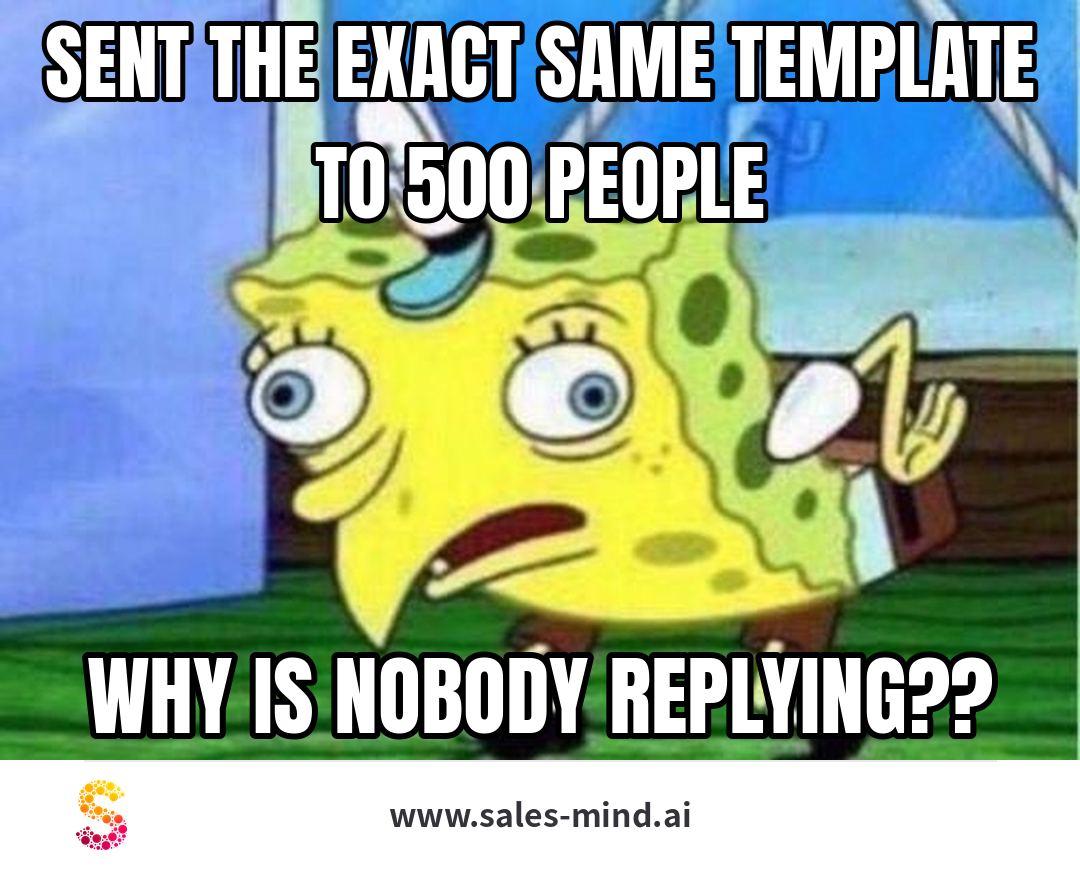
Most templates fail for one reason: they are written to be sent, not read. They open with your name and your company, not with the prospect's world. So they read like every other pitch in a crowded inbox, and crowded is not an exaggeration.
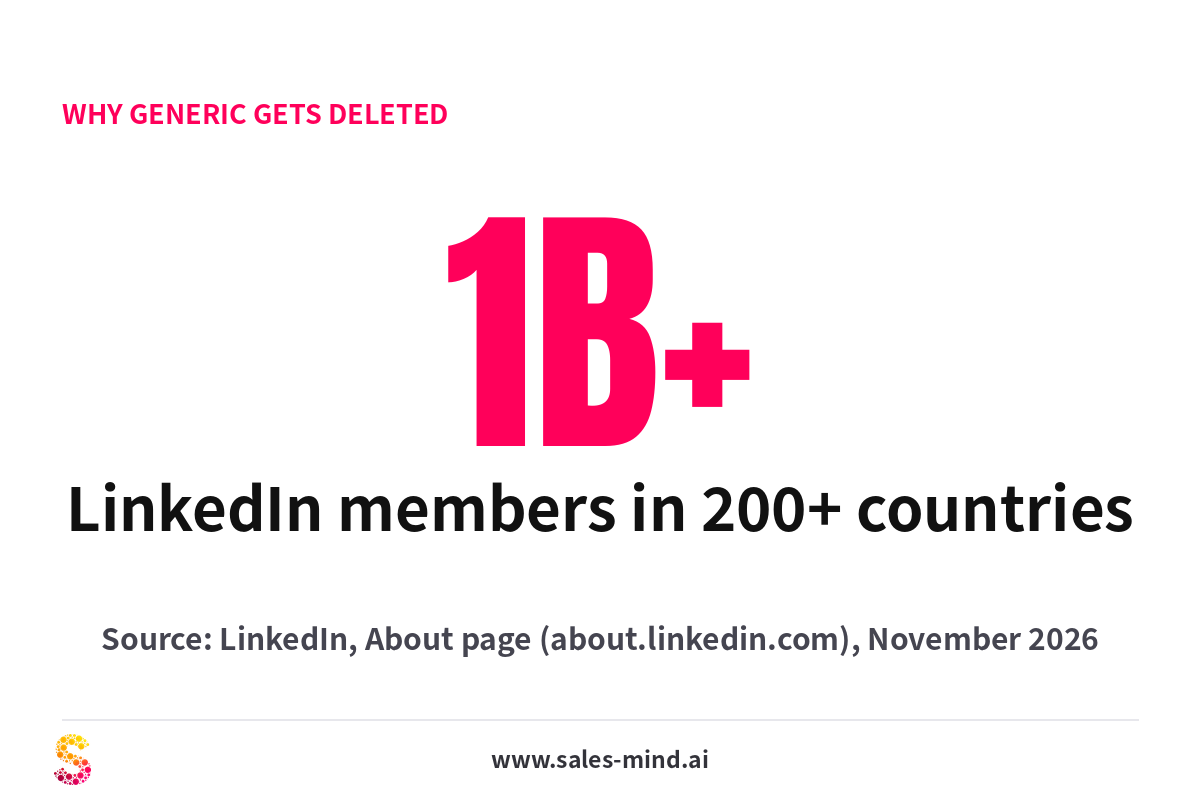
LinkedIn reports more than 1 billion members in over 200 countries (LinkedIn, About page, as of November 2026). Your buyer gets a stack of near-identical requests every week. A template that sounds like the stack gets deleted with the stack.
They sound like everyone else
"I'd love to add you to my network." "I was impressed by your experience." These lines appear in thousands of messages a day. They carry no signal that you mean this person. When your opener could be sent to anyone, it feels like it was.
They pitch before they earn the reply
The second common failure is asking for the meeting in the first message. You have not given the reader a reason to care yet. A pitch up front puts all the work on them and all the benefit on you.
The fix is not a longer message. It is a better first line.
What a good LinkedIn message has: the RELATE check
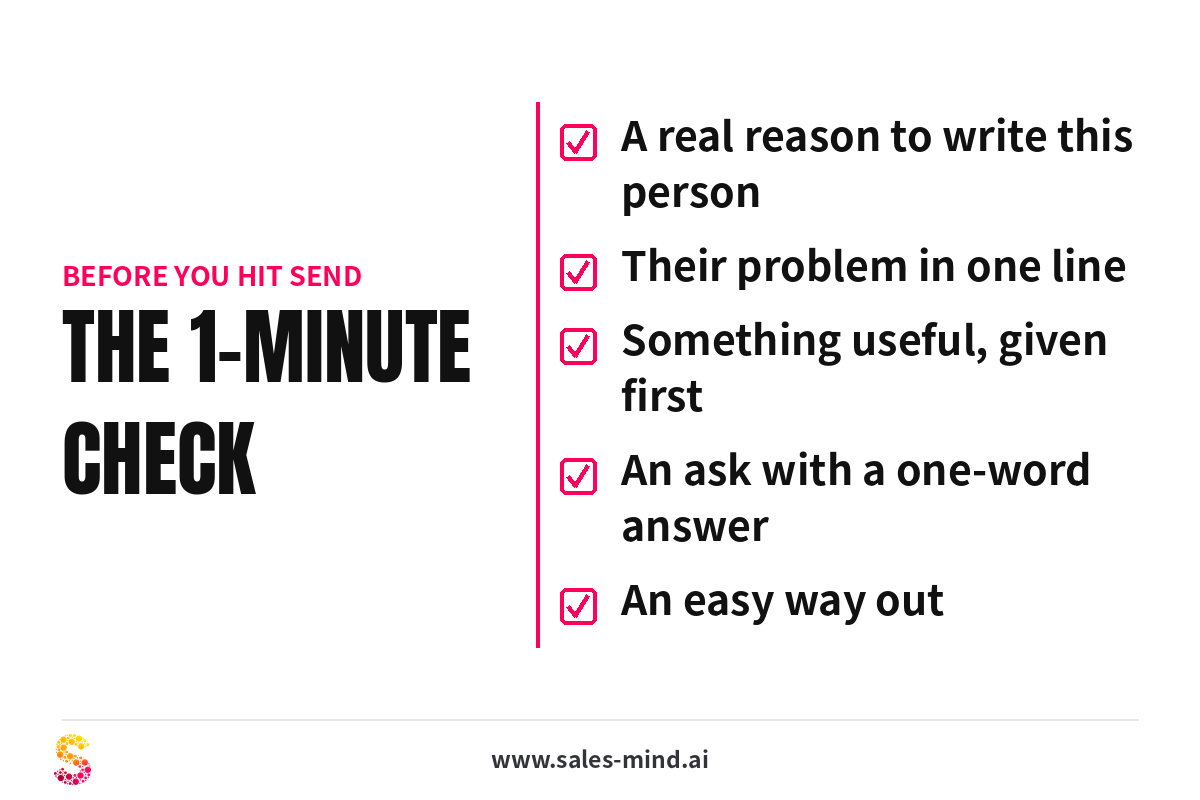
A good outreach message passes the RELATE check: a six-part test you run before you hit send. It is not a script. It is the shape every strong message shares, no matter the industry.
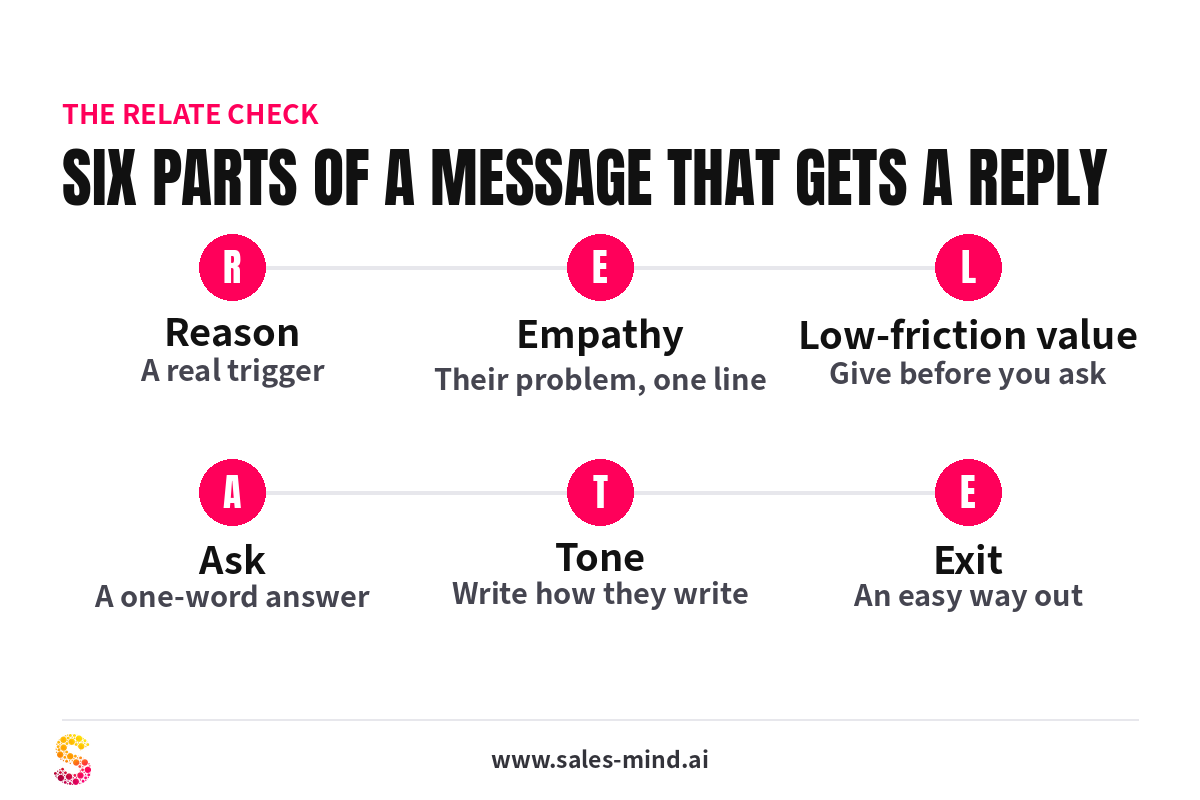
- Reason — a real trigger: their post, a hire, a funding round, a shared group.
- Empathy — their problem in one plain line, not yours.
- Low-friction value — give something small before you ask: an idea, a resource, a useful question.
- Ask — one request that takes a one-word answer.
- Tone — write the way they write, not in corporate speak.
- Exit — an easy way out, so there is no pressure.
For each prospect, you only change the Reason and the value. The other four parts stay the same. That is how a template stays personal and still saves you time. For the plan behind the messages — who to target and how often — see our LinkedIn outreach strategy playbook.
8 LinkedIn outreach templates that get replies
These cover the whole sequence, not just the first request. Copy them, then change the bracketed parts to fit one real person. Each one lists the job it does.
Which template to use when
Short answer: match the template to where the prospect is, not to your mood. Use this table to pick.
| Where the prospect is | Use template | Goal of the message |
|---|---|---|
| Not connected yet | 1 or 2 | Earn the accept, no pitch |
| Just accepted | 3 | Start a conversation |
| No reply yet | 4, then 5 | Add value, stay polite |
| Went quiet after interest | 6 | Re-open the door |
| Wrong person, but friendly | 7 | Get pointed to the right one |
| You have a mutual contact | 8 | Borrow their trust |
Connection requests (templates 1–2)
Keep these under about 200 characters and never pitch. The only goal is the accept.
1 — The post opener. "Hi [First name] — your post on [topic] stuck with me, especially the point about [detail]. Would be glad to connect."
Why it works: the Reason is real and provable. You read their post, and you say which part.
2 — The shared-group bridge. "Hi [First name] — fellow member of [group]. Liked your take on [topic]. Keen to follow your work."
Why it works: common ground lowers the guard. No ask, so nothing to refuse.
The first message after they accept (template 3)
3 — The thank and tie-back. "Thanks for connecting, [First name]. Your [post/project] on [topic] got me curious: is [specific problem] something your team is wrestling with this quarter?"
Why it works: it ties back to the Reason, then asks one small question. No meeting request yet.
Follow-ups (templates 4–5)
Space these out. A good rule is one follow-up two days later, a second three to four days after that, then stop.
4 — The value add. "Following up with something useful, not a pitch: [one tip, link, or benchmark relevant to their role]. Hope it helps either way."
Why it works: it gives before it asks again. Even if they never reply, you were worth connecting with.
5 — The soft close. "I know inboxes get full. If [problem] is on your list, happy to share how teams like yours handle it. If not, no worries at all."
Why it works: the Exit removes pressure. People answer the message that lets them say no.
Re-engage, refer, and warm intro (templates 6–8)
6 — The re-open. "Hi [First name] — circling back as [trigger: new quarter, their recent post, a product change]. Still happy to swap notes on [topic] if the timing is better now."
Why it works: a fresh Reason gives you permission to return without nagging.
7 — The referral ask. "You may not be the right person for this, [First name] — who on your team looks after [area]? Happy to go to them directly."
Why it works: it is easy to answer and respects their time. Most people enjoy pointing you the right way.
8 — The mutual-connection intro. "Hi [First name] — we both know [mutual]. They spoke highly of your work on [topic]. Thought it was worth connecting directly."
Why it works: borrowed trust beats cold trust. A warm name does more than any clever line.
A before/after makeover
Templates are easiest to learn by fixing a bad one. Here is a common pitch-first request, rewritten with the RELATE check.
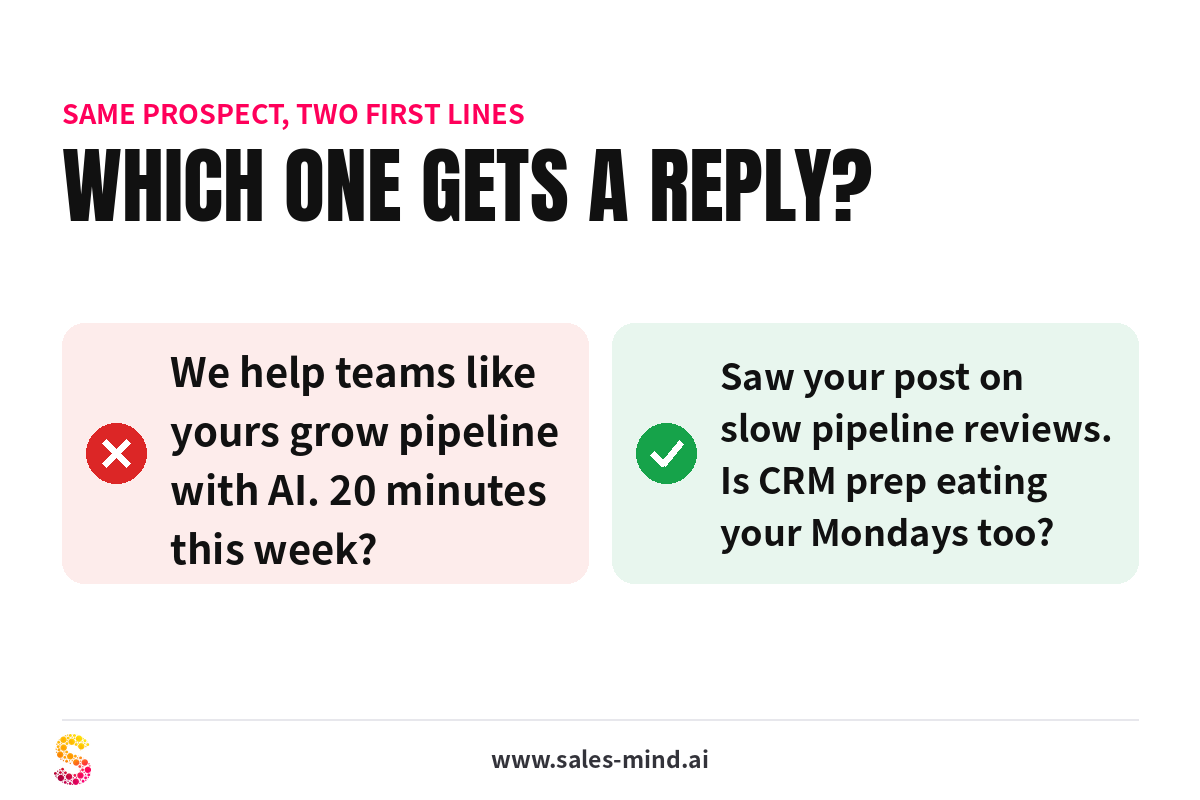
Before: "Hi [First name], we help teams like yours grow pipeline with AI. Do you have 20 minutes this week for a quick demo?"
After: "Hi [First name] — saw your post on slow pipeline reviews. Is CRM prep eating your Mondays too? Been comparing how teams fix that."
The "before" leads with us and asks for time we have not earned. The "after" leads with their Monday, names a problem, and asks a one-word question. Same goal, very different odds. For a walk-through of a full connection-plus-message sequence, this third-party video is a useful watch.
How to send templates without sounding like a robot
Short answer: templates are allowed, but copying the same message to hundreds of people with unauthorized tools is not. LinkedIn's Help Center page on prohibited software and extensions says bots and plug-ins that scrape or automate activity break the User Agreement, and accounts that use them risk being restricted. So the goal is personal at scale, not spam at scale.
Change one real thing for each person
Keep the shape, change the Reason and the value. If you cannot name a real trigger for a prospect, they are not ready for a template yet. Do the research, or drop them from the list.
Pace it like a human
In our own SalesMind campaigns, a few habits keep accounts healthy and replies high. Our founder shared these when coaching a customer whose numbers had dipped:
- Run three to five active campaigns at once, not one giant blast.
- Keep the connection request empty or very short; it often lifts acceptance.
- Send the first touch during the prospect's business hours.
- Do not stack several outreach tools on one account at the same time.
As a rough gauge from those campaigns, a healthy opener tends to land a 30–50% acceptance rate and a similar reply rate; when it drops below about 20%, we treat that as a signal to fix the message, not to send more. Treat the viral "50% acceptance" claims you see online with care — most come with no source.
This is also where an AI SDR earns its keep. SalesMind reads each prospect's profile and writes the Reason and the value for every message, so the shape stays consistent and the personalization stays real — at a volume one person could not reach by hand. You keep the voice; the system handles the research and the pacing.
Want the templates set up and running on your own account, safely? Book a strategy call and we will map your first sequence with you.
Frequently Asked Questions
Keep the connection request short — under about 200 characters, and often an empty note works best. First messages after connecting can be a little longer, but stay under a short paragraph. The rule is one idea and one small ask.
It depends. A short, specific note that names a real reason can lift acceptance. A generic note can lower it. If you cannot say something true and specific, an empty request often performs better than a weak line.
Two is usually enough: one about two days after the first message, a second three to four days later, then stop. Each follow-up should add value, not just repeat the ask. More than that reads as pressure.
Templates themselves are fine. What risks a restriction is unauthorized automation. LinkedIn's Help Center says bots, scrapers and plug-ins that automate activity break the User Agreement, and accounts using them can be restricted. Personalize and pace your sending like a human.
In our own campaigns a healthy opener lands roughly a 30–50% acceptance rate, and below about 20% we treat it as a signal to fix the message. Many "50%+" figures online are unsourced, so measure your own baseline and improve against it.
Get AI Sales Insights Weekly

