AI Tools for LinkedIn: Content Scheduling Features Compared
Compare AI LinkedIn schedulers by pricing, timing AI, carousel/video support, analytics, and lead-generation features.

AI Tools for LinkedIn: Content Scheduling Features Compared
Managing LinkedIn content takes time, but AI tools can help you stay consistent and maximize engagement. Here's what you need to know:
- Consistency matters: Posting regularly can double engagement. Creators posting 3+ times weekly get 3.5x more profile views.
- Timing is key: AI tools analyze audience behavior to schedule posts during peak engagement times.
- Content variety boosts reach: Carousels get 1.6x more reach, and videos see 5x more engagement than text posts.
- Analytics refine strategy: The best tools track impressions, clicks, and engagement rates, helping you improve over time.
Quick Comparison of Tools:
| Tool | Starting Price | AI Features | Carousel Support | Timing Optimization | Analytics Depth | Best For |
|---|---|---|---|---|---|---|
| Buffer | $0 / $6/month | Limited (paid tiers only) | Yes | Basic suggestions | Basic | Small teams on a budget |
| Hootsuite | $99/month | Yes | Limited | Heatmap insights | Advanced | Larger teams, enterprises |
| Taplio | $39/month | AI writing (higher tier) | Yes | Smart scheduling | Medium-high | LinkedIn-focused creators |
| PostQuickAI | $8/month | AI-assisted drafting | Yes | Smart features | Basic | Affordable AI for creators |
| SalesMind AI | $49/month | Lead scoring, outreach | No | Engagement-based | High (lead-focused) | B2B lead generation |
For basic scheduling, tools like Buffer or PostQuickAI are budget-friendly. Taplio and Hootsuite offer more advanced LinkedIn features. If turning engagement into leads is your goal, SalesMind AI combines scheduling with automated outreach while avoiding LinkedIn restrictions to streamline B2B lead generation. Choose the tool that aligns with your LinkedIn strategy and resources.
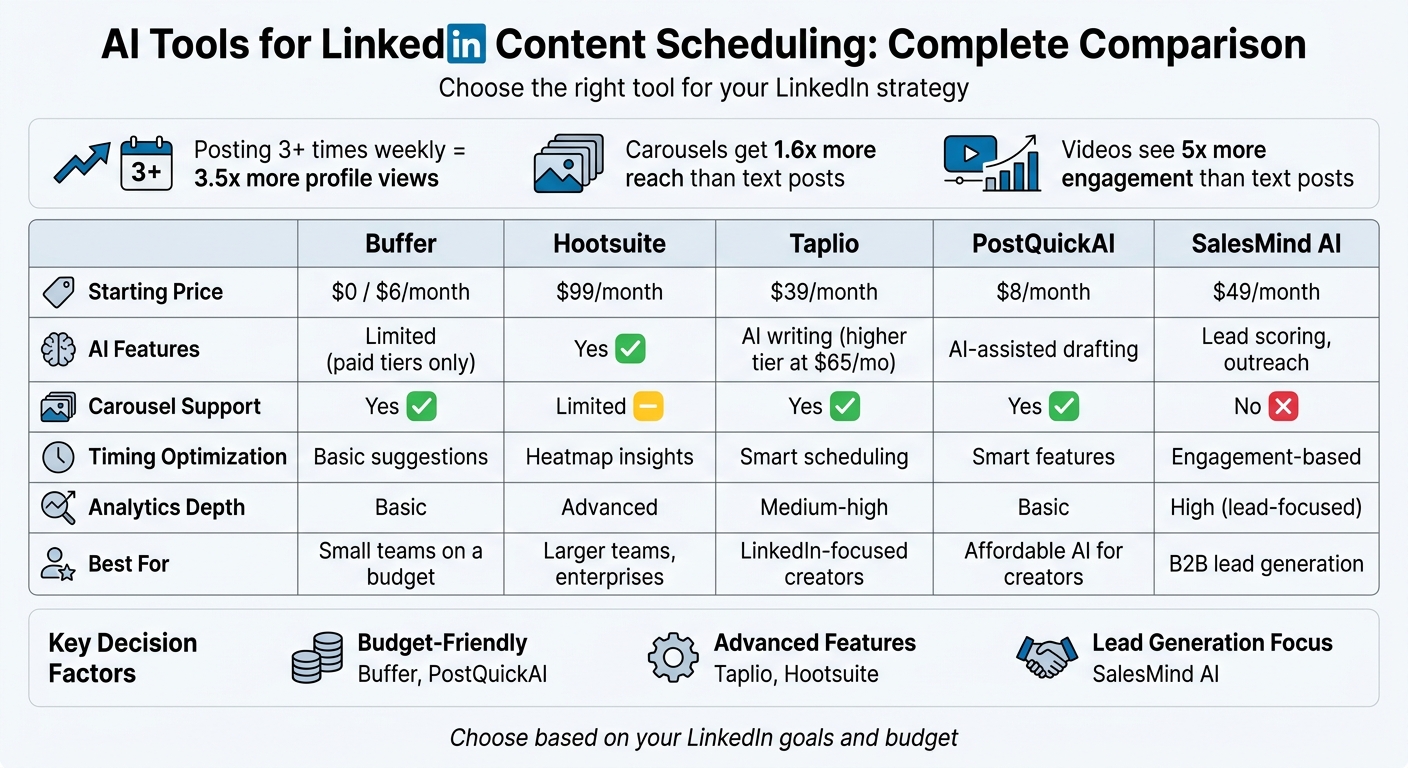
LinkedIn AI Scheduling Tools Comparison: Features, Pricing & Best Use Cases
What to Look for in LinkedIn Content Scheduling Tools
The top scheduling tools do much more than just organize your posts - they help you boost performance. Here’s what sets the best tools apart from the rest.
AI-Powered Post Timing
Getting your timing right can make or break your post's success. Advanced AI tools analyze your audience's behavior, going beyond generic advice. For instance, Sprout Social uses up to 16 weeks of historical data to pinpoint when your followers are most likely to engage[1]. While general tips suggest posting on Tuesday through Thursday between 8–10 AM or 12–1 PM, your audience might have its own unique habits[8].
Some tools take timing to the next level with features like smart queuing. This allows you to batch-create a month’s worth of content in just 30 minutes, and the tool automatically schedules posts during peak engagement times. Time zone optimization ensures your posts reach audiences when they're active, no matter where they are. Certain tools even let you schedule a first comment to go live right after your post, which can boost engagement with CTAs or hashtags - without risking penalties from LinkedIn’s algorithm for including links in the main post[5].
But timing alone isn’t enough. The type of content you post is just as important for driving engagement.
Support for Different Content Formats
LinkedIn treats content formats differently, and the algorithm rewards variety. For example, carousels can achieve 1.6x more reach than regular text posts, and videos tend to get 5x more engagement than text-only content[2][5].
"LinkedIn carousels get 1.6x more reach than text posts, your scheduler must support PDF or image carousel uploads." - PostEverywhere[5]
Your scheduling tool should support these high-performing formats. Look for features like PDF uploads for carousels, native video scheduling, and rich text formatting options (e.g., bold, italics, and bullet points). A visual content calendar can also help you plan a balanced mix of posts - think educational carousels, promotional images, and thought leadership pieces.
Analytics and Reporting
Once your schedule and formats are dialed in, analytics become the key to fine-tuning your strategy. The right data transforms your LinkedIn approach from guesswork to a reliable system. Great tools track more than just likes and shares - they also monitor impressions, engagement rates, clicks, follower growth, and deeper signals like saves and profile visits[5][9].
"In 2026, the most expensive mistake is scheduling content efficiently that is strategically wrong." - ViralBrain[9]
Analytics features should allow for monthly reviews so you can identify trends. Tagging posts by themes - such as product updates, industry news, or company culture - can reveal which topics drive the most engagement[9]. Some tools even offer competitor benchmarking, helping you learn from industry leaders and adapt successful strategies. For businesses, integrations with CRM platforms can connect social activity to lead generation and outreach automation, making it easier to measure the true ROI of your LinkedIn efforts[4][5].
sbb-itb-817c6a5
AI Tools for LinkedIn Scheduling: Feature Comparison
Let’s dive into how some of the top tools stack up when it comes to LinkedIn scheduling. Each one brings its own strengths, catering to different needs and budgets.
Buffer
Buffer keeps things straightforward with a queue system that schedules posts into pre-set time slots. It supports carousels via PDF or image uploads, but there’s a catch - its "best time to post" feature doesn’t extend to LinkedIn. This means you’ll need to predict prospect engagement timing yourself. Pricing starts at $6 per channel per month, and the free plan includes up to three channels with 10 posts per channel. This simplicity makes it a good fit for smaller teams looking for an affordable option [18, 19, 20].
Hootsuite
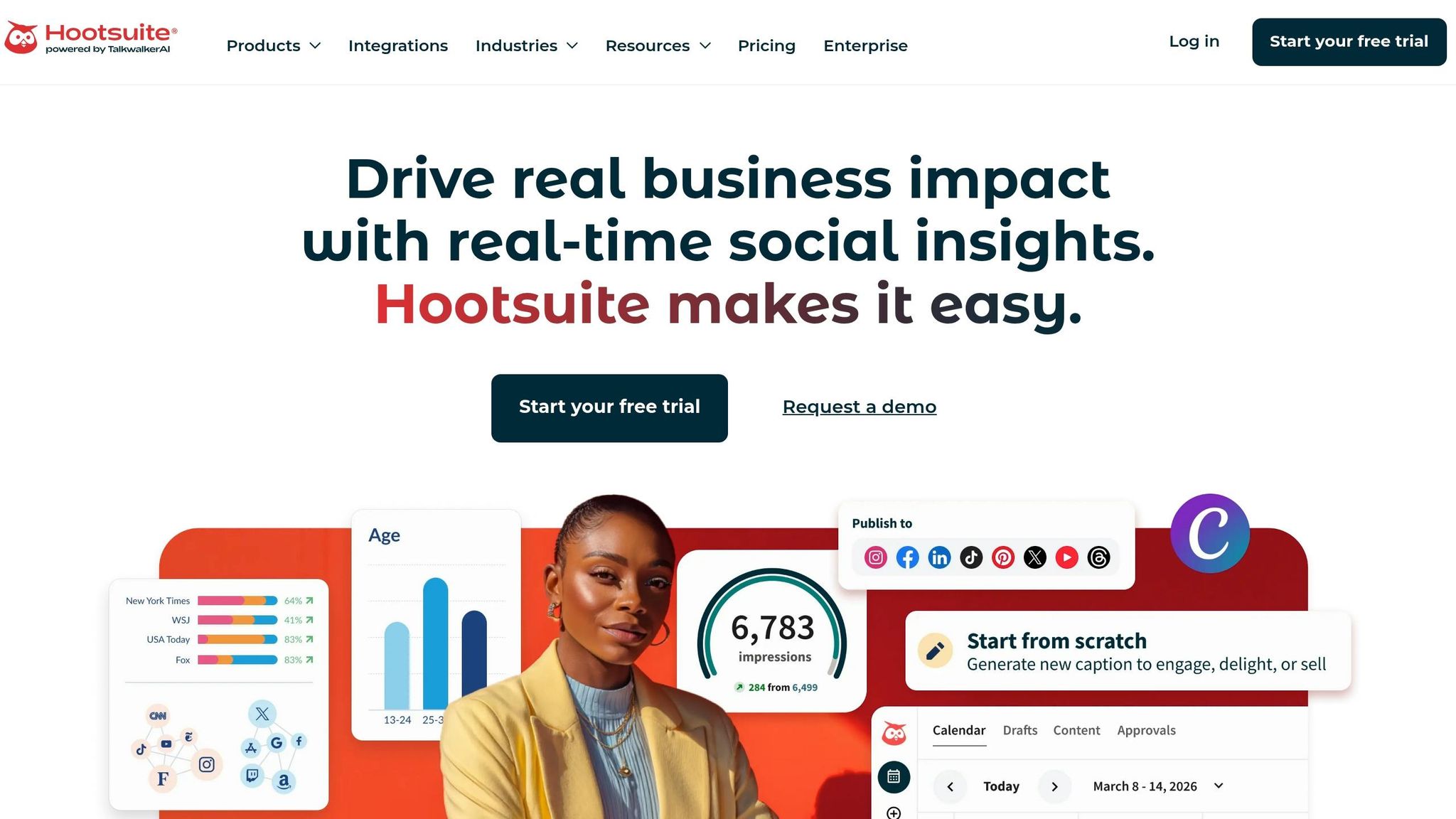
Hootsuite is designed for larger teams and enterprises. It offers heatmap-style insights to pinpoint when your LinkedIn audience is most active. Other features include team approval workflows, advanced analytics dashboards, and social listening tools to monitor brand mentions. Pricing begins at $99 per month for the Professional plan, while the Team plan costs $249 per month. However, scheduling carousels may require some workarounds [18, 19, 10].
Taplio
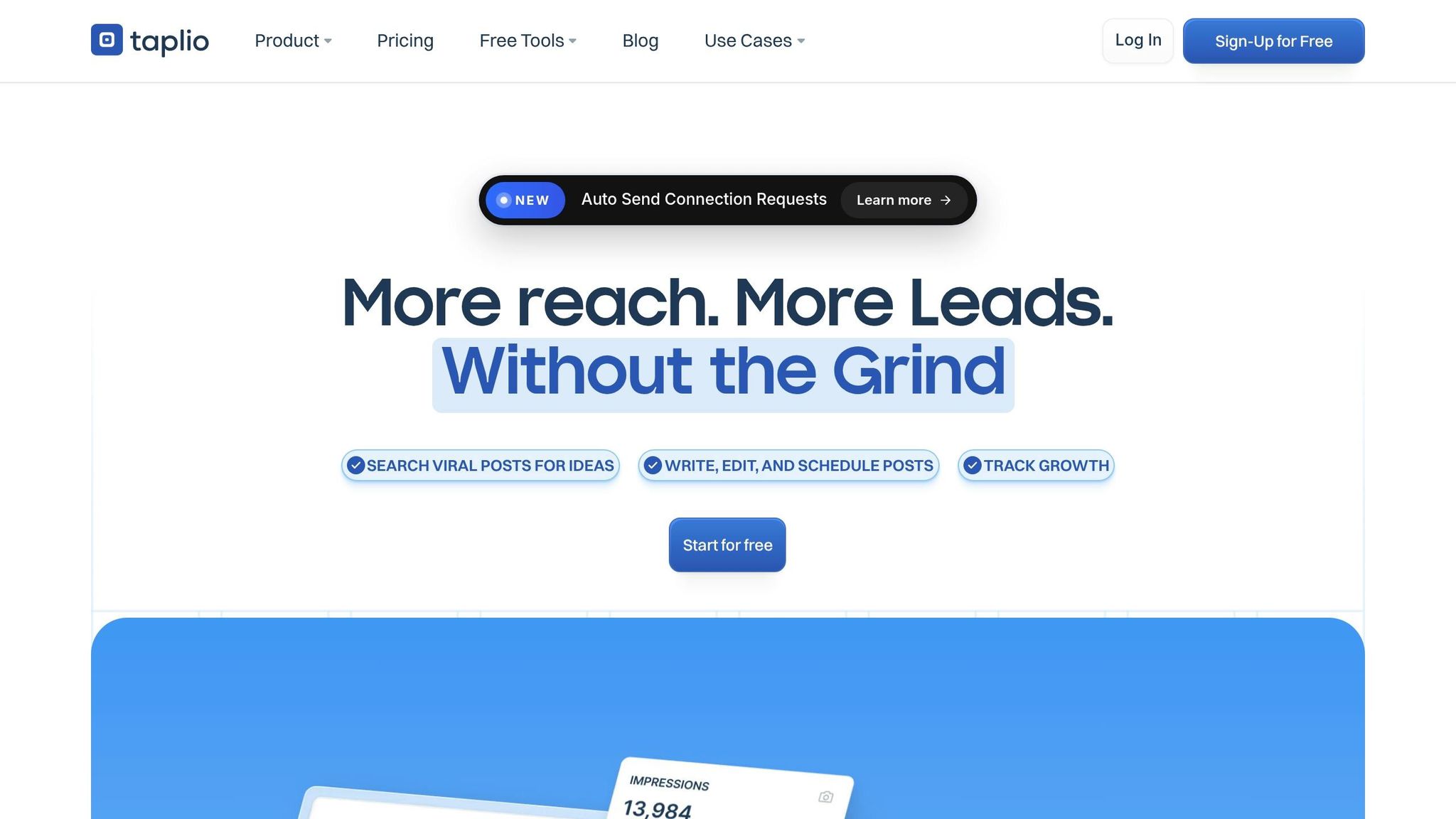
Taplio is all about LinkedIn growth. It includes a viral post inspiration feed and an AI writing assistant to help craft attention-grabbing content. Its smart scheduling feature automatically selects the best times to post based on audience behavior. The Starter plan is priced at $39 per month. By focusing solely on LinkedIn, it ensures you’re not paying for features you won’t use [20, 22].
PostQuickAI
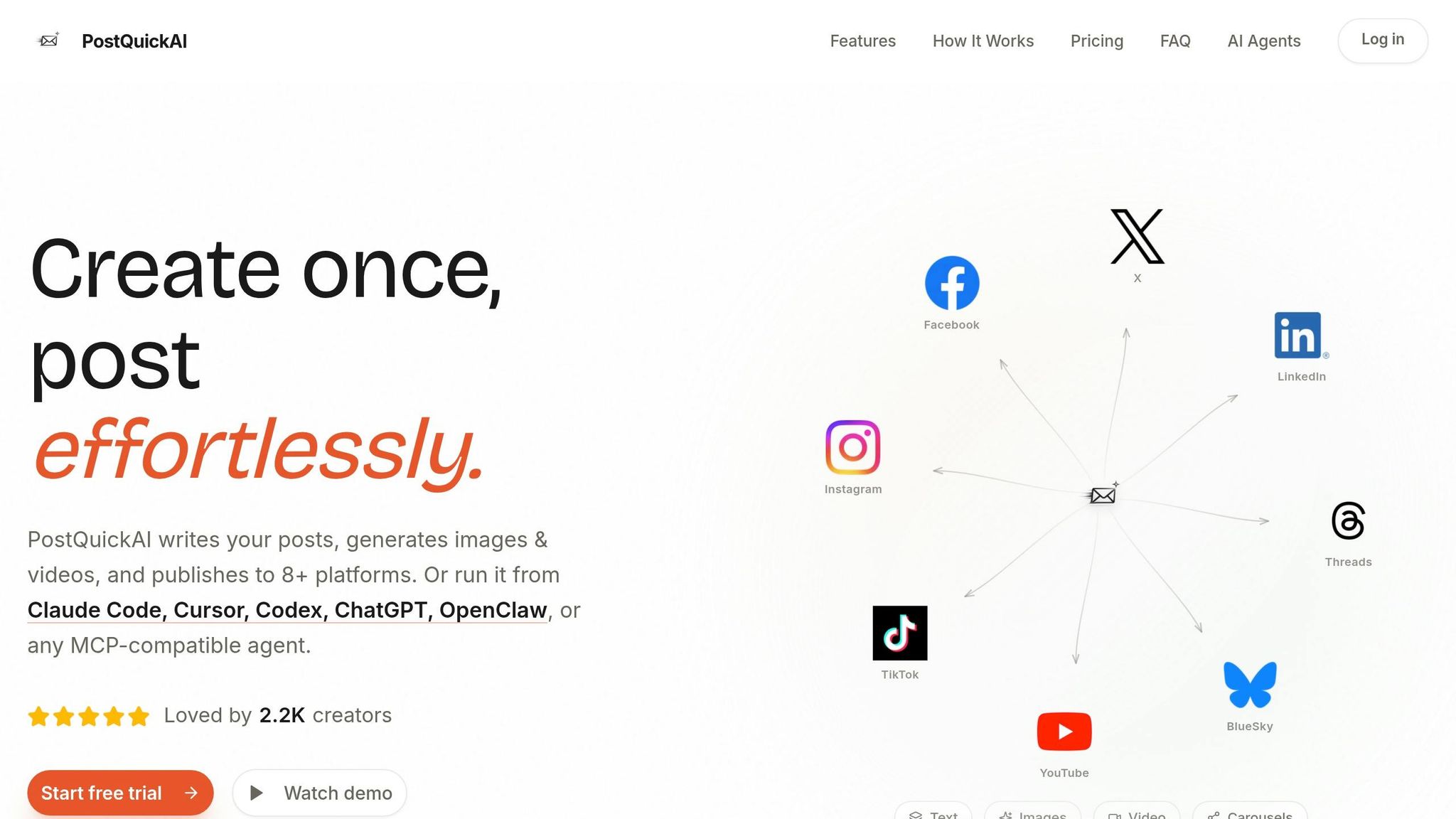
PostQuickAI takes an AI-first approach with pricing that’s easy on the wallet. The Basic plan starts at $8 per month, while the Pro plan is available for $40 per month [10]. Features include AI-assisted content drafting, a visual content calendar, and gamified "posting streaks" to encourage consistency. While its analytics are more basic compared to enterprise-level tools, they cover key metrics like clicks, impressions, and engagement - making it a solid choice for creators who want affordable AI-powered assistance without extra bells and whistles.
ContentIn
ContentIn is tailored specifically for LinkedIn. Its native AI content creation tools optimize post formatting and timing to align with LinkedIn’s algorithm, helping you maximize reach without manual effort. While pricing details can vary, ContentIn is a great pick for creators and businesses looking for a LinkedIn-focused tool that integrates platform-specific expertise into every feature.
This breakdown highlights the unique strengths of each tool, setting the stage for a closer look at how they handle integrations in the next section.
SalesMind AI: LinkedIn Content Scheduling and Outreach Integration
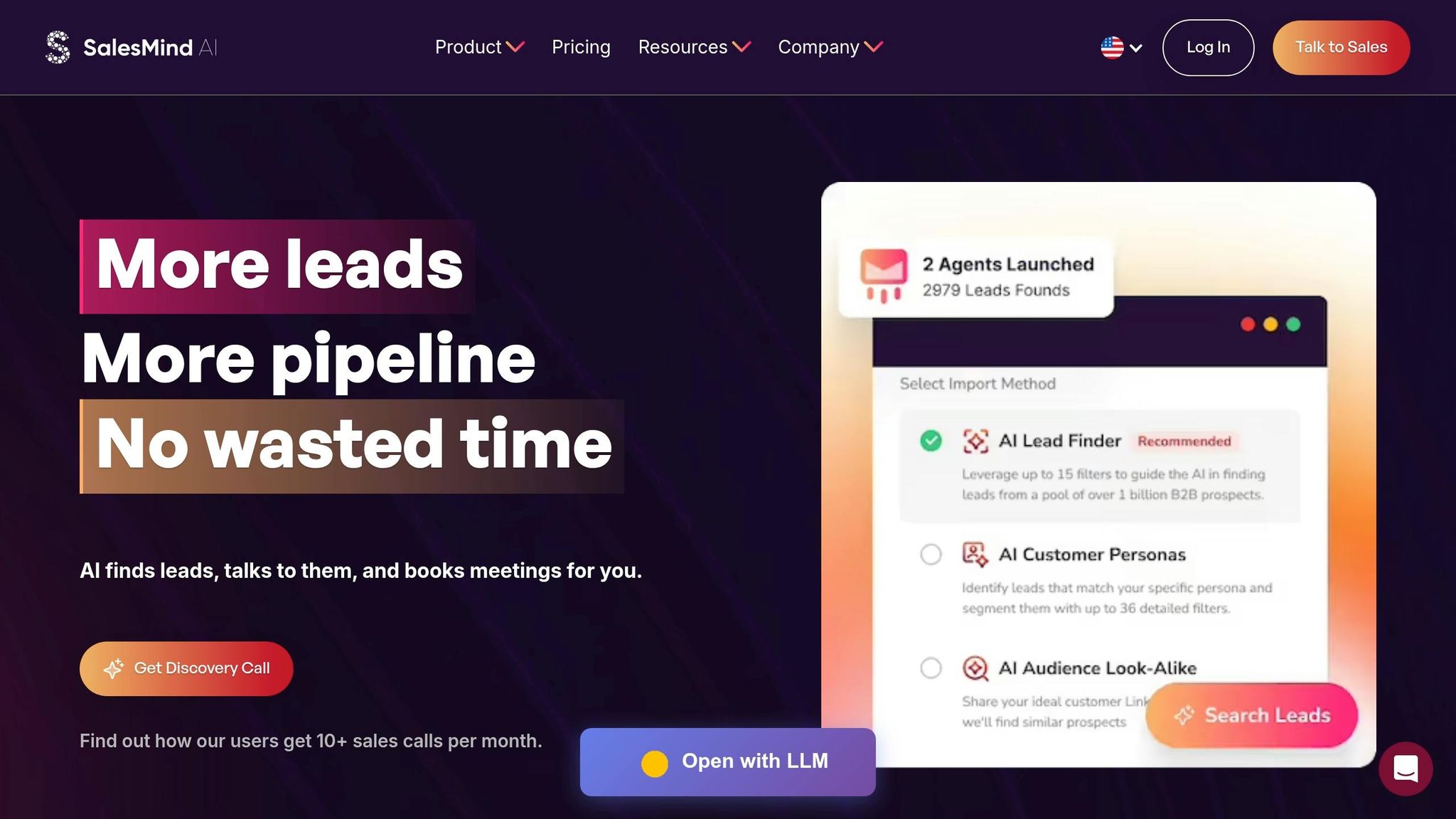
SalesMind AI goes beyond basic scheduling tools by combining content publication with automated outreach. While other tools focus solely on posting, SalesMind AI takes it a step further by turning LinkedIn engagement into qualified leads. It works alongside your existing scheduling platform, using personalized, automated follow-ups to track and nurture engagement through LinkedIn integration.
Here’s how it works: scheduled posts trigger automated lead qualification messages based on user interactions. For example, a SaaS company used its scheduling tool to share weekly tips and paired it with SalesMind AI to auto-score responders. This setup generated 150 scored leads per month, with 20% converting into demos through automated sequences. The entire process was set up in under 15 minutes using OAuth authentication [15]. This approach transforms content engagement into measurable pipeline growth, directly boosting ROI.
SalesMind AI also features a unified AI-powered inbox that centralizes all LinkedIn interactions, including responses to your posts. It prioritizes and categorizes messages using AI, analyzing engagement data to recommend the best times for follow-ups. Responding to comments within 24 hours has been shown to increase response rates by 30% [12]. The platform automates multi-step follow-ups based on post interactions, with customizable sequences - like sending a thank-you note on Day 1 and a resource on Day 3 - boosting conversion rates by 25% [13].
The tool’s advanced lead scoring system evaluates LinkedIn engagement metrics such as views, likes, and shares, along with profile data, to assign a score from 1 to 100. For instance, leads scoring above 80 on a post about "AI in Sales" automatically receive nurturing content. This allows marketers to focus 70% of their efforts on high-quality prospects, improving ROI by 40% [14]. A tech startup saw a 300% increase in qualified leads in Q1 2025 by using SalesMind AI to auto-follow 500 engaged users with tailored messages.
"From the very first week, SalesMind AI boosted my productivity in lead prospecting by 10×." - Alex Lossing, CTO, Slash [11]
SalesMind AI balances power and simplicity. Pricing starts at $49 per month per user, scaling up to $199 per month for advanced features. A 14-day free trial includes full scheduling sync and can be set up within 1–2 days via OAuth [15]. Businesses that combine scheduled posts with automated follow-ups report a 35% increase in LinkedIn lead generation, with deal close rates improving by 22% due to precise lead scoring [16].
Feature Comparison Table
Here's a quick side-by-side look at some popular LinkedIn scheduling tools, focusing on pricing, AI capabilities, carousel support, timing features, and analytics. This table can help you decide which tool aligns with your LinkedIn goals:
| Tool | Starting Price | AI Writing | Carousel Support | Optimal Timing AI | Analytics Depth | Best For |
|---|---|---|---|---|---|---|
| Buffer | $0 / $6 per channel | Paid tiers only | No | Basic suggestions | Basic | Solo users on a budget |
| Hootsuite | $99/mo | Yes | Limited | General activity | High | Enterprise teams |
| Taplio | $39/mo* | Standard+ at $65/mo | Yes | Smart Schedule | Medium-High | Growth-focused creators |
| SalesMind AI | Contact for pricing | - | - | - | Lead-focused | Businesses needing outreach tools |
*Note: Taplio’s AI writing tools are available starting at the $65/month Standard plan, not the $39/month Starter tier [17].
This comparison highlights how analytics and features vary by tool. For instance, while Buffer is budget-friendly, Hootsuite offers more robust analytics for larger teams. Taplio stands out for creators aiming to grow, while SalesMind AI caters to businesses combining outreach and scheduling tools. Use this breakdown to find the best match for your LinkedIn strategy.
Conclusion
Choosing the right LinkedIn scheduler in 2026 comes down to your specific goals. If you're a solo creator or running a small business with occasional posts, affordable tools like Buffer can handle the basics. But if you're aiming to grow on LinkedIn, specialized platforms like Taplio offer LinkedIn-specific features - such as native carousel creation and first-comment scheduling - that general tools can't match. These features not only enhance visibility but also help turn engagement into opportunities.
While scheduling tools keep your content consistent, the real challenge is converting engagement into leads. Research shows AI-powered tools can reduce content creation time by up to 80% [17], and 86% of marketers report improved efficiency when using such platforms [7]. LinkedIn carousels are particularly effective, generating 1.6× to 3× more reach than standard text posts [6][5]. This makes tools with native carousel support a clear advantage.
However, content alone won't generate leads. As ConnectSafely points out, "Scheduling content is only half the equation. Without strategic engagement that builds LinkedIn authority, even perfectly timed posts will not generate meaningful leads" [3]. Tools designed for strategic engagement can deliver 10–20 qualified inbound leads per month, compared to zero direct leads from basic scheduling solutions [3].
For those focused on lead generation, platforms like SalesMind AI take things further. While not primarily a content scheduler, it excels in automating what happens after publishing - personalized LinkedIn messaging, AI-driven lead qualification, and response management through a unified inbox. According to Nick Heijman, CEO of HypotheekXperts, users see a 10× productivity boost in lead prospecting within the first week, with connection rates exceeding expectations [18]. For B2B teams using LinkedIn as a pipeline tool, this outreach-focused approach delivers real results.
FAQs
How do I find my best times to post on LinkedIn?
AI-powered scheduling tools can help you pinpoint the best times to post by analyzing your audience's engagement patterns. These tools take a deep dive into user activity, offering data-backed recommendations to boost your content's visibility and interaction rates.
By posting during these optimal windows, you not only maximize your reach but also save time by automating the scheduling process. It’s a smart way to ensure your content connects with the largest audience possible at the right moment.
Which LinkedIn post formats should I schedule most often?
If you're looking to increase your impact on LinkedIn, focus on sharing posts that include images and videos. Why? Posts with images can double your engagement, while videos can perform even better, driving up to five times more engagement.
Consistency is also key. Posting at least three times per week can significantly improve your profile views. To stand out, make sure your content is visually appealing. High-quality visuals not only catch the eye but also encourage more interactions, helping you maximize your presence on LinkedIn.
How can I turn LinkedIn post engagement into qualified leads?
To turn LinkedIn engagement into leads, start by leveraging engagement signals and automating your follow-up efforts. Pay attention to users who interact with your posts - whether they comment, react, or share - and use AI tools to qualify them. Once you've identified potential leads, automate personalized outreach with messages tailored to their interests and interactions. By focusing on commenters and reactors, you can create targeted conversations that feel relevant and meaningful. Incorporating AI-driven workflows into this process not only saves time but also boosts your chances of converting engagement into qualified leads.