

.avif)




Find out how our users get 10+ sales calls per month from LinkedIn.
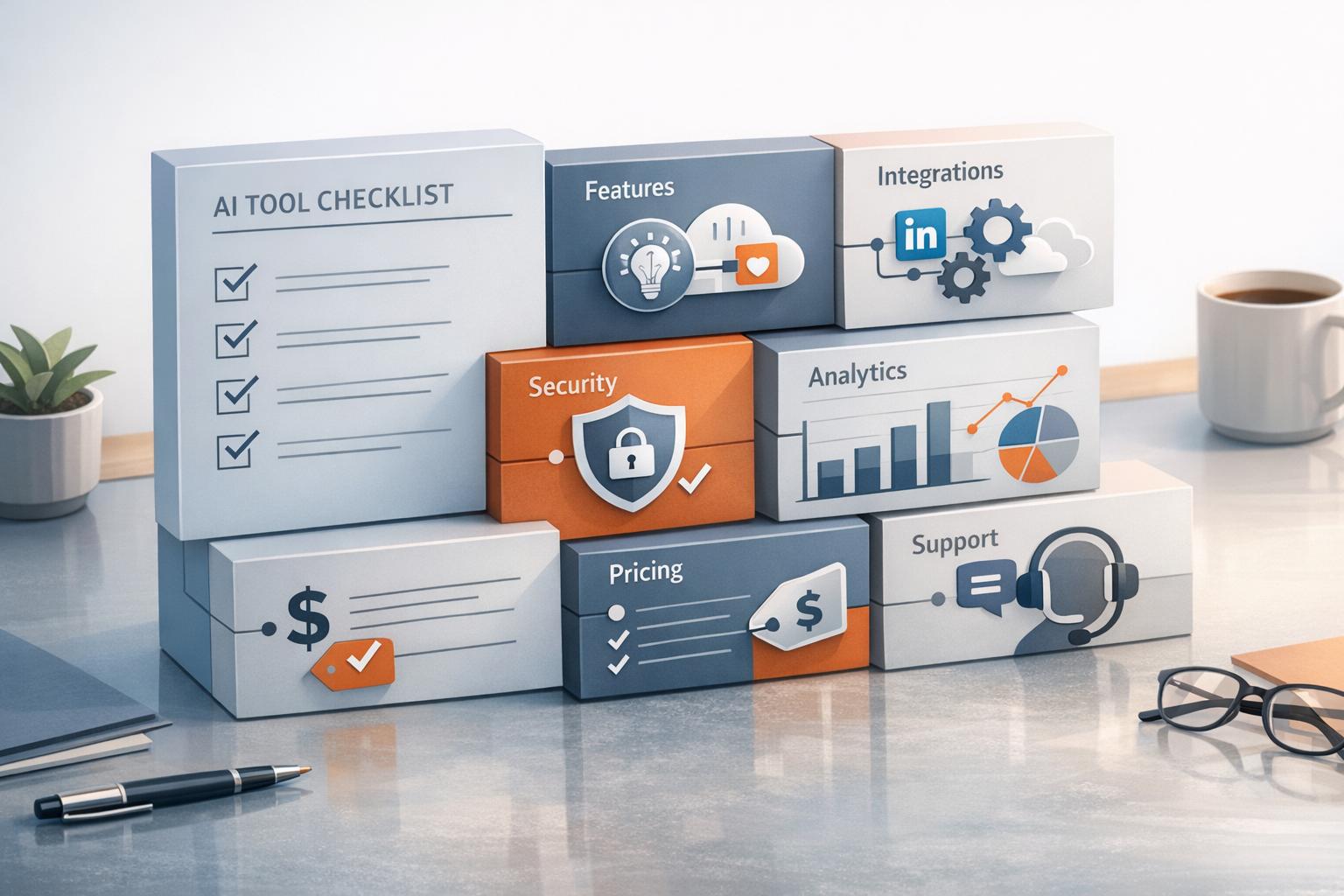
Managing LinkedIn outreach manually is no longer practical. AI tools now simplify prospecting, messaging, and follow-ups, helping sales teams improve efficiency and results. But choosing the right tool requires careful evaluation. Here's what to focus on:
- Key Features: Look for AI-driven personalized messaging, lead scoring, unified inboxes, automated follow-ups, and real-time lead tracking.
- Integration: Ensure seamless connections with CRMs like Salesforce or HubSpot and LinkedIn-specific functions for safe automation.
- Safety & Scalability: Tools should comply with LinkedIn's rules, mimic human behavior, and support multi-user teams with role-based permissions.
- Analytics: Choose platforms with detailed reporting on metrics like acceptance, reply, and conversion rates.
- Pricing & Support: Opt for transparent pricing without hidden fees and prioritize tools with responsive customer service and onboarding support.
AI tools can boost response rates, streamline workflows, and handle large-scale outreach securely. Test features during free trials to find the best fit for your needs.

LinkedIn AI Tools Evaluation Checklist: Key Features and Requirements
I Ranked 16 LinkedIn Automation Tools From Best To Worst - (Lemlist, HeyReach, Expandi, Dripify)
Core Features Checklist
When it comes to smarter LinkedIn outreach, having the right tools can make all the difference. This checklist highlights key features that enhance efficiency and help you convert more prospects into valuable connections.
LinkedIn is a powerhouse for lead generation - over 80% of social media-driven leads come from the platform. And with well-crafted messages, response rates can hit anywhere from 15% to 25% [5]. The goal? Use tools that automate repetitive tasks while keeping your outreach personal and engaging.
Personalized Messaging and Automation
Look for tools that offer AI-driven content generation in two modes: Autopilot, for fully automated messaging, and Copilot, which drafts messages for your review. Personalized messages can significantly improve response rates, with business-related LinkedIn messages reaching up to 45% when done right [4][5].
Safe automation is key. Tools should mimic human behavior by randomizing delays and respecting daily activity limits. Stick to sending no more than 100 connection requests per week, as personalized messages typically see acceptance rates between 20% and 30% [5].
Other must-have features include Message Enhancers to fine-tune tone and clarity, and multilingual support for localized outreach [4]. Tools that track intent signals - like job changes, website visits, or relevant news mentions - can help you connect with prospects at just the right time [4]. And keeping your messages concise (under 150 words) can improve clarity and response rates [5].
Lead Qualification and Scoring
AI-powered lead qualification is a game-changer for identifying high-value prospects. Tools should analyze conversation sentiment, tagging replies as positive, negative, or neutral, so you can focus on leads that show genuine interest [4]. This approach ensures your efforts align with your broader sales goals.
Another essential feature is intent signal detection. The platform should monitor warm leads based on factors like funding announcements, acquisitions, competitor activity, or participation in industry events [4][6]. Advanced tools may even offer 360-degree prospect analysis, giving you a complete view of both the individual and their company for better-informed engagement [4].
Natural language search capabilities also simplify list building. For example, you could use prompts like "Show me CMOs at FinTech companies in Germany" to create targeted lists. The best tools combine LinkedIn data with email and phone enrichment to rank leads before you invest time in outreach [4][6].
Unified Inbox and Conversation Management
A unified inbox can save you time by centralizing all your LinkedIn conversations in one place. It should allow you to filter messages by specific criteria and even suggest AI-powered responses to streamline your workflow.
In 2025, Joey N., a Senior Account Executive, managed over 1,000 active conversations and reported a verified ROI of +2,500% thanks to these features [7].
"SalesMind AI has opened up conversations with ideal decision-makers for me that were previously difficult to start without their help." - Joey N., Senior Account Executive [7]
If you're juggling multiple LinkedIn accounts for different audiences, make sure the tool consolidates messages into a single view. This setup reduces the hassle of switching tabs and keeps your outreach organized. A unified inbox also sets the stage for automated follow-ups.
Automated Follow-Up Sequences
Automated follow-ups are crucial for staying on prospects' radar without overwhelming them. Tools should support multi-channel outreach, combining LinkedIn and email, and automatically adjust follow-up sequences based on responses or inactivity.
To avoid spamming, space follow-ups 5–7 days apart and limit attempts to three [5]. Look for platforms with auto-withdraw features for unanswered connection requests, which can protect your account's safety [4].
For new or automated accounts, account warm-up features are a must. These gradually increase activity levels, ensuring your account is ready for higher outreach volumes without triggering LinkedIn's safety mechanisms [4].
Real-Time Lead Tracking and Enrichment
Real-time data keeps your outreach sharp and relevant. Tools should automatically update lead profiles, verify contact details through email and phone enrichment, and track behavioral signals like post interactions or content engagement. This ensures you're prioritizing the most active prospects [4][6].
Features like a "name cleaner" can help format contact details correctly for CRM integration and email campaigns. Additionally, tracking profile data ensures you have a complete history of each prospect's journey through your sales funnel, making follow-ups more informed and effective.
Integration and Compatibility Checklist
Once you've confirmed that your outreach tool has the essential features you need, the next step is ensuring it works seamlessly with your existing systems. The best tools sync effortlessly with your CRM, align with LinkedIn's capabilities, and support outreach across multiple channels. Poor integration can lead to data silos and unnecessary manual tasks, so it's crucial to evaluate these aspects carefully. Start by examining how the tool connects with your CRM to streamline workflow automation.
CRM Integration and Workflow Automation
Native CRM integrations can make a big difference. Look for tools that directly connect with platforms like Salesforce, HubSpot, Pipedrive, or Zoho, rather than relying on third-party connectors such as Zapier. Direct integrations typically offer faster performance and more reliable data syncing [3].
For example, sales teams using automated CRM syncing have reported a 75% improvement in lead list creation efficiency. Individual users can save up to 60 hours per week by eliminating manual data entry [8]. During your trial period, test whether the tool provides accurate one-click synchronization for custom CRM fields. Additionally, ensure it can automatically update contact records with the latest LinkedIn data to keep prospect information current and actionable.
LinkedIn-Specific Integrations
After reviewing CRM compatibility, evaluate how the tool integrates with LinkedIn for secure and efficient data syncing. This is particularly important for functionality and account safety. Tools that are LinkedIn Certified API Partners use OAuth 2.0 for authentication, offering access tokens valid for 60 days and refresh tokens for up to a year [12]. On the other hand, many automation tools rely on session-based integration methods, such as LinkedIn cookies (LI_AT) or Chrome extensions, to replicate human activity without solely depending on the official API [10][11].
When assessing a tool, check its authentication method. OAuth 2.0 is ideal for syncing lead form data securely, while cookie-based sessions are better suited for tasks like prospecting, messaging, and sending connection requests [10][12]. Tools using the official API should also have a 24-hour "heartbeat" mechanism to detect token expiration and maintain account safety [12].
Safety features are critical when working with LinkedIn. Ensure the platform mimics human behavior with randomized activity timing, detects office hours, and gradually warms up accounts to avoid restrictions [9][11]. Also, remember that LinkedIn stores lead data for up to 365 days, so your tool should sync regularly to prevent data loss [12].
Multi-Channel Outreach Support
Relying solely on LinkedIn for outreach won't reach all your prospects. With an average LinkedIn invite acceptance rate of just 37%, combining LinkedIn with email and other channels can significantly expand your reach [2]. Multi-channel outreach has been shown to boost response rates from 2.8% to 6.5% [2].
Look for tools that consolidate responses from multiple channels into a unified inbox with automated lead tagging. Cloud-based solutions allow you to run outreach sequences across LinkedIn and email simultaneously. For instance, SalesMind AI integrates with Salesforce and HubSpot, enabling seamless synchronization of lead and campaign data across channels [3].
To ensure account safety when managing outreach on multiple platforms, check that the tool offers features like built-in session browsers and dedicated IP addresses. Unified response management with filtering options can also help your team stay organized and respond promptly without missing opportunities.
| Feature | Integration Type | Key Benefit |
|---|---|---|
| CRM Sync | Native / API | Automated data entry, 75% faster list building [8] |
| LinkedIn API | OAuth 2.0 / Session | Safe automation with human behavior simulation [11] |
| Multi-Channel | Unified Inbox | 6.5% response rates vs. 2.8% single-channel [2] |
sbb-itb-817c6a5
Safety, Compliance, and Scalability Checklist
Once you've confirmed that your tool integrates seamlessly with your systems, the next step is to ensure it supports safe LinkedIn operations and can scale effectively with your team. Choosing the wrong tool can lead to account restrictions, compliance issues, or roadblocks as your team grows. Here's what to look for when evaluating LinkedIn AI tools for safety, compliance, and scalability.
LinkedIn Compliance Features
LinkedIn's detection systems have become much more advanced in 2025. As Kavya M, Author, explains:
"LinkedIn automation... Earlier leniency has given way to stricter rules" [13].
This means compliance features are no longer optional - they’re essential. Your tool should include safeguards like randomized delays between actions, varied working hours, and human-like behaviors (e.g., scrolling and clicking) to avoid triggering LinkedIn's algorithms.
Stick to daily limits based on your account's age and trust level. For reference, see the table below. Additionally, keep your pending connection requests under 500 to maintain a healthy account status.
| Account State | Daily Outreach Limit | Weekly Cap |
|---|---|---|
| New / Fresh Account | 10–25 requests | 50–100 requests |
| Established Account | 30–50 requests | 150–250 requests |
| Large / Trusted Account | 50–75 requests | 250–350 requests |
To further reduce risks, ensure your tool uses dedicated IP addresses that match your geolocation - this prevents LinkedIn from flagging suspicious IP jumps, which is particularly important when managing multiple accounts or collaborating across teams.
For new accounts, engage manually for 1–2 weeks to establish a natural activity pattern. Monitor your connection acceptance rate carefully. If it falls below 30–40%, scale back your outreach to avoid being flagged by LinkedIn's systems.
Once compliance is addressed, you can shift your focus to scaling your operations.
Scalability and Multi-User Support
As your team expands, your tool must handle multiple users while maintaining performance and safety. A cloud-based infrastructure is a must for uninterrupted operation. Look for features like:
- Multi-seat management with role-based permissions
- Shared templates to streamline workflows
- Campaign cloning for easy replication across team members
For larger teams, sender rotation is crucial. This feature splits lead lists across multiple LinkedIn accounts, ensuring individual accounts stay within safe limits while boosting overall outreach. A unified inbox is also essential, allowing your team to manage replies from various accounts without missing any opportunities.
Sales leaders should prioritize tools with a global admin dashboard. This provides a high-level view of team performance, individual output, and campaign ROI, enabling strategy adjustments without micromanaging. Agencies, in particular, should look for tools with white-labeling options and strict account separation to prevent data overlap between clients.
When onboarding new team members, follow a three-week warm-up plan. Start with 20–30 actions per day and gradually increase to 50–70 to build trust with LinkedIn's systems. Automate list cleaning with AI tools to filter out irrelevant roles or duplicates before launching large-scale campaigns. Also, set up automatic withdrawals for unanswered connection requests after 7–10 days to keep your pending ratio healthy.
SalesMind AI, for example, offers features like multi-seat management, sender rotation, and a unified inbox - making it an excellent choice for teams aiming to scale their LinkedIn outreach securely.
With safety and scalability in place, the next step is to focus on performance tracking and optimization.
Analytics and Reporting
Strong analytics are critical for fine-tuning your campaigns while staying compliant. Your tool should track key metrics like acceptance rates and reply rates, categorized into positive, negative, and neutral responses. This data helps you pinpoint which messages resonate with your audience and which need tweaking.
Incorporate A/B testing to refine your outreach strategy. Test different message formats, connection request templates, and follow-up sequences to identify the most effective combinations for your audience. Look for campaign-level reporting that includes metrics like:
- Total connections sent
- Acceptance rate
- Reply rate
- Conversion rate
These insights will help you decide which campaigns to scale and which to adjust. ROI tracking is also important for demonstrating the value of your efforts to stakeholders.
For teams, individual performance metrics can highlight top performers and identify areas where additional training or support might be needed. A dashboard that displays each representative's activity levels, response rates, and conversion rates - and allows for easy report exports - is especially useful for sales leaders.
Pricing and Support Checklist
After confirming that your tool meets safety and scalability requirements, it's time to evaluate its pricing and support. These factors are often overlooked but can significantly affect your operations. Hidden costs or sluggish support could derail your plans, so assessing these areas thoroughly is key. Here's how to measure pricing and support features effectively.
Transparent Pricing and Plan Comparison
While technical capabilities are important, pricing and support can determine the long-term value of a tool. LinkedIn AI tools, for instance, often use tiered pricing based on team size and feature access. Plans typically fall into three categories: Basic (for individuals or small teams), Professional (for growing teams), and Enterprise (for large organizations needing custom solutions). For example, LinkedIn Sales Navigator offers the Core plan at $119.99/month, the Advanced plan at $159.99/month, and a custom-priced Advanced Plus plan [14]. Third-party tools range from $20–$79/month for basic plans, with advanced options reaching up to $1,200/month.
Annual billing might save you money, but it's crucial to check for extra fees. Recent reports show that 66.5% of IT leaders have encountered unexpected budget overages tied to AI or usage-based pricing [2]. Additionally, nearly half of organizations pay for AI features they don’t fully utilize, so ensure the advertised price includes all necessary features without hidden limits [3].
When comparing plans, consider all associated costs to calculate the total cost of ownership. During a demo, ask pointed questions about potential "surprise fees" for training, add-ons, or premium support [1]. Also, review cancellation policies. Look for terms like "no commitment" or "cancel anytime" to avoid being locked into long-term contracts if the tool doesn’t meet your expectations [4][14].
Customer Support and Onboarding
Good customer support can significantly enhance your experience with a LinkedIn AI tool. Top platforms provide multiple support channels, such as live chat, email, and even personalized 1:1 video sessions for troubleshooting and feature walkthroughs [4][3]. Quick response times are critical; one vendor, for instance, boasts a live chat response time of just 20 seconds, paired with a 99% satisfaction rate [3].
Onboarding resources are another key consideration. Check if the platform offers guided training, help with campaign setup, or access to a dedicated account manager for enterprise-level plans. For example, SalesMind AI provides 1:1 video support and guided demos to help new users get started seamlessly. If you're running an agency managing multiple clients, prioritize tools that offer dedicated support and flexible role management tailored to agency needs [3].
Make the most of your free trial to test support quality. Most tools offer a 14-day free trial [3][14]. During this time, reach out to support with questions about features, pricing, or troubleshooting. If the responses are slow or unhelpful, it could signal future challenges with the tool's support services.
Conclusion and Final Checklist Summary
Choose a LinkedIn AI tool that aligns with your most pressing needs. Pay close attention to features like messaging, lead qualification, and follow-ups. Make sure the tool integrates smoothly with your CRM and offers LinkedIn-specific capabilities to keep your workflow efficient. Also, confirm that it adheres to LinkedIn's policies and can scale as your team grows.
AI-driven automation can revolutionize traditional outreach methods. While a sales rep might manually manage 20–30 conversations, automation can handle up to 10 times more interactions [6], tapping into LinkedIn's massive network of 1.1 billion members [3].
Before making a commitment, take advantage of the 14-day trial [3]. Use this time to evaluate data accuracy, test the user interface, and gauge the responsiveness of customer support.
Understand the difference between "Autopilot", which runs sequences independently, and "Copilot", which drafts messages for your review [4]. Choose the mode that best fits your need for control versus efficiency. Tools like SalesMind AI, designed for hyper-personalized LinkedIn outreach, can help refine your approach.
Finally, ensure the tool fits your budget. Assess the total cost of ownership and clarify any hidden fees before signing a contract.
FAQs
How can I ensure a LinkedIn AI tool follows LinkedIn's policies?
To ensure a LinkedIn AI tool aligns with LinkedIn's rules, start by thoroughly reviewing their automation and developer guidelines. LinkedIn explicitly prohibits bots from performing tasks like sending connection requests, messages, or InMails without direct human involvement. Large-scale data scraping is also off-limits unless you’ve obtained explicit permission. Stick to LinkedIn’s approved APIs, respect rate limits, and follow their community standards.
To keep things compliant, limit daily actions - such as connection requests, messages, or profile views - within LinkedIn’s recommended thresholds. Actions should mimic natural human behavior to avoid detection. Never create fake or duplicate profiles, and ensure the tool only accesses data that’s publicly available or explicitly shared with consent. Make sure recipients have a clear way to opt out of communications, and maintain logs to show compliance if needed.
It’s also crucial to regularly monitor the account’s health for any warnings or restrictions. Update the tool as LinkedIn’s policies change to stay ahead of potential issues. Being proactive about these updates will help keep your AI tool both compliant and effective for LinkedIn outreach.
What integration features should I prioritize when choosing a LinkedIn AI tool?
When choosing a LinkedIn AI tool, focus on features that align with and enhance your current sales workflows. Start with native CRM integration - this ensures leads, contacts, and activities sync automatically, keeping your sales pipeline up-to-date without the hassle of manual input. Another helpful feature is a unified inbox that combines LinkedIn messages with emails or other communication channels, making it easier to manage conversations efficiently.
For added flexibility, look for tools offering API or webhook support. These allow you to create custom workflows and connect seamlessly with marketing platforms or reporting systems. If offline analysis or external tools are part of your strategy, data export options (like CSV downloads) can be a game-changer. Also, consider tools with multi-channel outreach capabilities - such as LinkedIn and email integration - and real-time analytics to monitor engagement and fine-tune your campaigns. Together, these features can help drive consistency, scale your efforts, and deliver actionable insights to improve your sales performance.
What should I consider to ensure a LinkedIn AI tool can scale with my team?
To determine if a LinkedIn AI tool can grow with your team’s needs, start by assessing its ability to scale. Look for features that support multiple outreach campaigns, allow for high daily messaging limits, and integrate smoothly with your CRM or sales tools. It’s also important to ensure the platform can easily accommodate additional users or expand campaigns without needing complex, custom solutions. Don’t forget to review the pricing tiers to see if they match your growth goals.
Before committing, consider running a small pilot program with a few team members. This will help you test how the tool performs as workloads increase. Pay close attention to how it handles higher traffic, maintains response rates, and keeps workflows streamlined. Features like an AI-powered unified inbox, advanced lead scoring, and automated scaling - offered by tools like SalesMind AI - are excellent indicators of scalability. These capabilities have helped U.S. businesses manage large-scale outreach while driving significant pipeline value. If the tool delivers consistent performance and provides clear guidance for scaling, it’s a strong candidate for supporting your team’s long-term growth.
Have You Ever Experienced Sales Done by AI?