

.avif)




Find out how our users get 10+ sales calls per month from LinkedIn.

LinkedIn is a powerful platform for B2B sales, but manual outreach can be time-consuming. AI tools simplify this process by automating tasks like sending connection requests, personalizing messages, and following up with prospects - all while maintaining account safety. Businesses using these tools report higher acceptance rates (40%), reply rates (45%), and an average pipeline value of $100,000 per month. Here's a breakdown of the top LinkedIn AI tools:
- SalesMind AI: Automates workflows, personalizes messages, scores leads, and integrates with CRMs. Pricing starts at flexible plans for individuals and enterprises.
- LinkedIn Sales Navigator: Offers advanced lead targeting, CRM integration, and real-time alerts. Plans range from $89.99/month to custom pricing for large teams.
- Dux-Soup: Handles multi-step campaigns, CRM syncing, and safe automation starting at $14.99/month.
- Zopto: Cloud-based platform with AI-assisted personalization and A/B testing. Pricing begins at $215/month.
- Octopus CRM: A budget-friendly Chrome extension for automated outreach, starting at $9.99/month.
These tools cater to different business needs, from solopreneurs to large enterprises, helping teams save time and improve LinkedIn outreach results.
Quick Comparison
| Tool | Key Features | Starting Price | Best For |
|---|---|---|---|
| SalesMind AI | AI messaging, lead scoring, CRM sync | Flexible plans | Mid-sized to large teams |
| Sales Navigator | Advanced search, CRM integration | $89.99/month | Large enterprises |
| Dux-Soup | Multi-step campaigns, CRM sync | $14.99/month | Small teams |
| Zopto | AI personalization, A/B testing | $215/month | Agencies, large teams |
| Octopus CRM | Chrome-based, affordable automation | $9.99/month | Solopreneurs, small teams |
Each tool offers unique features tailored to different team sizes and goals, ensuring better productivity and results on LinkedIn.

LinkedIn AI Tools Comparison: Features, Pricing and Best Use Cases
1. SalesMind AI
LinkedIn Integration Capabilities
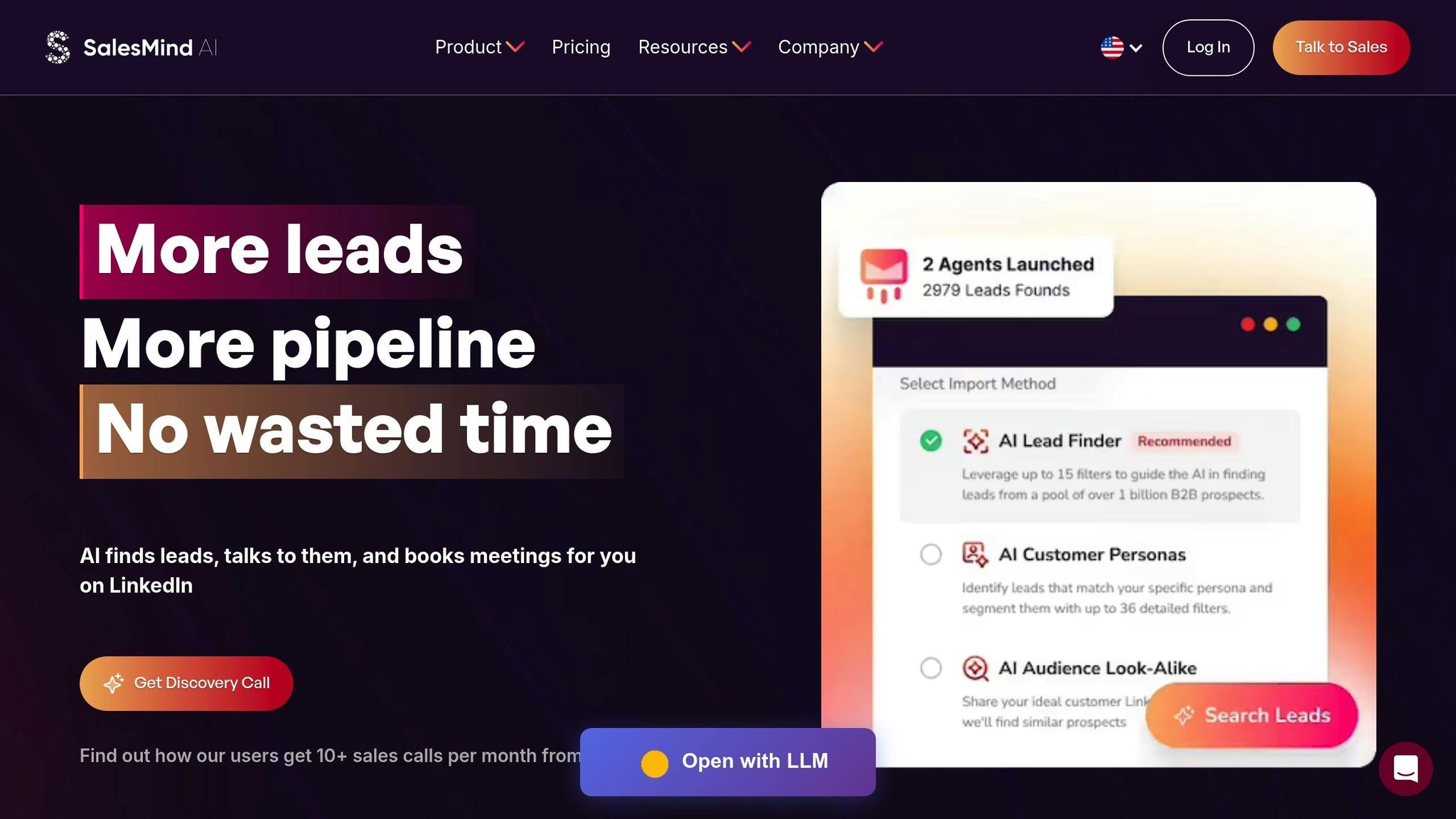
SalesMind AI simplifies your LinkedIn engagement by automating workflows across Basic, Premium, and Sales Navigator accounts. It instantly imports lead searches and saved lists, taking care of tasks like profile visits, likes, follows, connection requests, and messages - all while operating entirely in the cloud[4][2].
This tool captures leads from highly targeted LinkedIn sources, including event attendees, post interactions, and followers of competitor pages. For Sales Navigator users, it offers a refresh feature to keep lead lists up-to-date and enables team sharing for collaborative prospecting[4]. Importantly, all activities remain within LinkedIn's ecosystem, adhering to platform rules by using local IP addresses, office-hour detection, and daily activity limits to safeguard your account[2].
SalesMind AI doesn't just integrate - it streamlines and optimizes outreach through intelligent automation.
Automation Features for Outreach
SalesMind AI takes LinkedIn messaging to the next level with AI-driven automation. Its AI engine crafts personalized, context-aware messages based on prospect profiles. Steven Huibers, COO at Policereports.ai, shared his experience:
I've used a couple of other tools for LinkedIn outbound, but this has gotten me 3x the results[4].
Nick Heijman, CEO at HypotheekXperts, added:
The results were sometimes almost too good - connection rates and responses were way above what I expected[4].
The platform automates multi-step sequences, sending initial messages, waiting for replies, and triggering follow-ups as needed[3]. Teams can automate 50–100 personalized connections daily, while a centralized inbox with automatic tagging and built-in analytics tracks metrics like acceptance rates, replies, and conversions[2]. By eliminating repetitive LinkedIn tasks, users report saving an average of 40 hours per week[4].
Lead Generation and Scoring Tools
SalesMind AI goes beyond automation with its lead scoring system, which helps prioritize prospects. This feature evaluates engagement, profile data, and behavior to assign each lead a suitability score. Jure Grabljevec, CEO at Jure Design, explained:
The concept as well as the automation are good, and I like that it shows you a score on what the lead suitability with your filters is[1].
The unified inbox, powered by AI, automatically categorizes leads based on their responses. Additionally, a lead qualification agent identifies high-value B2B prospects for your sales pipeline. Rahul Pushkarna, Senior Advisor at Bounty Media, praised its efficiency:
SalesMind AI has proven very useful to our sales team in reducing the massive pain points of manually tracking each and every lead interaction[1].
The platform also integrates seamlessly with CRMs, allowing users to export enriched prospect data directly into their systems[2]. With ratings of 4.4/5 on Trustpilot, 4.7/5 on G2, and 5/5 on the Chrome Store, user satisfaction is consistently high[1].
Pricing and Scalability
SalesMind AI offers flexible pricing plans that cater to individuals and enterprises alike. Enterprise plans include unlimited campaigns, advanced AI features, and support for multiple LinkedIn accounts with custom integrations and dedicated assistance. Operating 24/7 in the cloud, the platform allows businesses to scale their outreach efforts without increasing staff or infrastructure costs.
2. LinkedIn Sales Navigator
LinkedIn Integration Capabilities
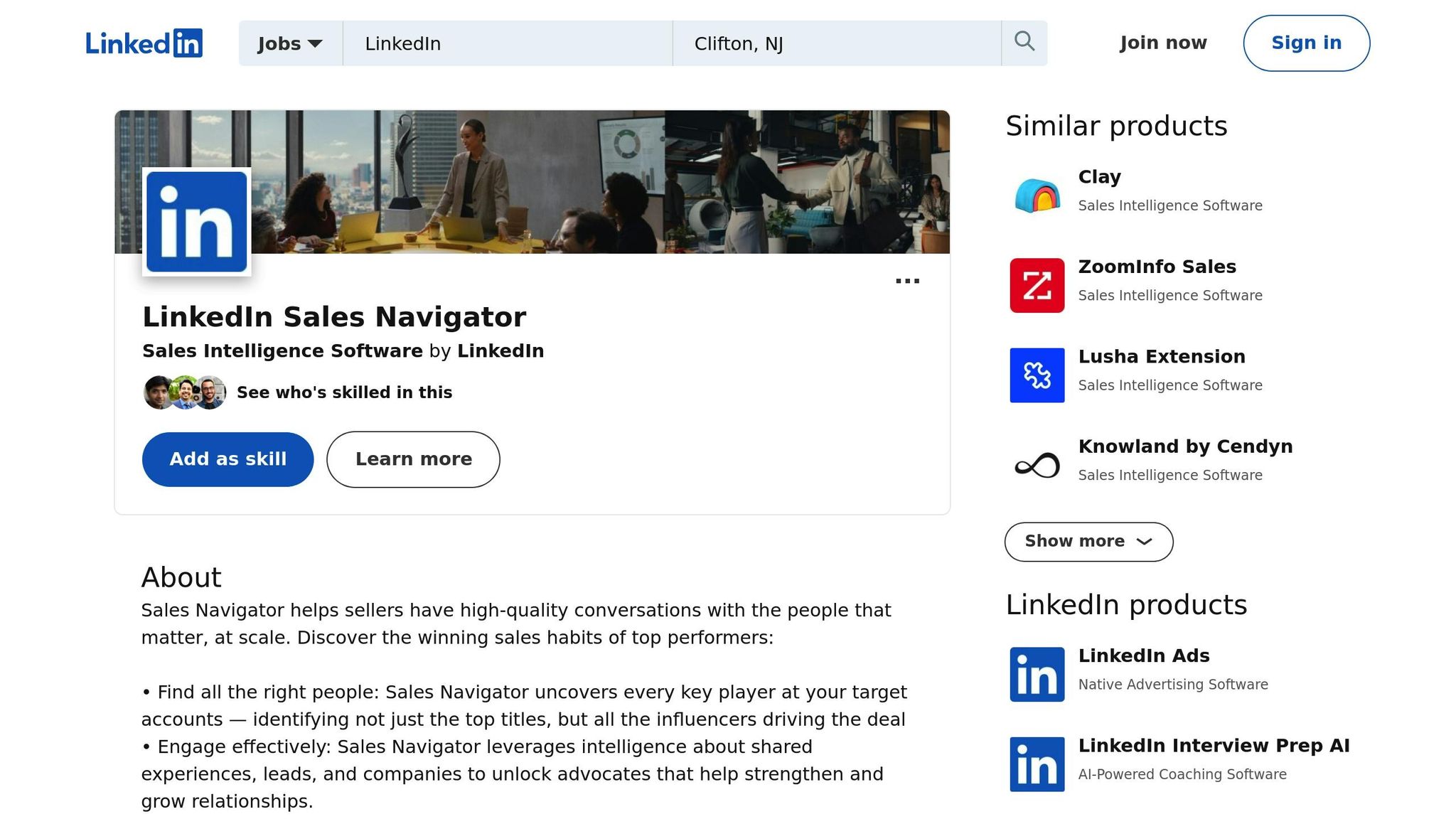
LinkedIn Sales Navigator works seamlessly with major CRMs like Salesforce and Microsoft Dynamics 365. Through Embedded Experiences, it integrates features such as Account IQ and Relationship Maps directly into your CRM. This setup can save users up to 65 hours annually by simplifying workflows [5].
One standout feature is the ability to save LinkedIn profiles as leads or contacts directly into your CRM while automatically flagging duplicates. As J.D. Veldsman, Pacific Corporate & Commercial Head at Marsh, explains:
If the person you've been working with is moving from one business to another, having Sales Navigator connected to our CRM keeps us updated immediately [5].
Additionally, real-time alerts notify you when leads change jobs or when companies post updates. These integrations not only streamline your workflow but also make discovering new leads more efficient.
Lead Generation and Scoring Tools
With access to over 1 billion members and 63 million decision-makers, Sales Navigator offers 50+ advanced search filters to refine your lead targeting [5][6]. Features like Buyer Intent, Account IQ, and Lead IQ deliver quick insights into accounts, while TeamLink helps facilitate warm introductions. Karloff Rosario highlights the impact of these tools:
The Account IQ feature is a game changer. I'm able to create a pre-sales document, org chart, and share details about the account in minutes - not hours [5].
The TeamLink feature is particularly effective for building connections. It identifies shared contacts across your team, making introductions smoother. For instance, in 2024, Judy Wang, Sales Effectiveness Sr. Manager at Canada Post, shared how an Account Executive used TeamLink to secure a warm introduction. This led to a deal worth more than twice the initial investment [5]. These tools not only foster stronger relationships but also speed up the sales process.
Pricing and Scalability
Sales Navigator offers three pricing tiers to suit different needs:
- Core Plan: For individuals, priced at $89.99/month (billed annually) or $119.99/month (month-to-month).
- Advanced Plan: Designed for small teams, it costs $149.99/month (billed annually) or $159.99/month (month-to-month) and includes features like TeamLink and Smart Links.
- Advanced Plus Plan: Custom-priced for larger teams, this plan includes full CRM sync, ROI reporting, and Embedded Experiences [7].
According to a Forrester study, Sales Navigator often pays for itself in under six months [5]. Users report making 4x more connections with Director-level leaders, while tailored InMail outreach can boost response rates by up to 5x. For larger organizations, the Admin Center simplifies license management and includes enterprise-grade security features like Single Sign-On and SCIM.
3. Dux-Soup
LinkedIn Integration Capabilities
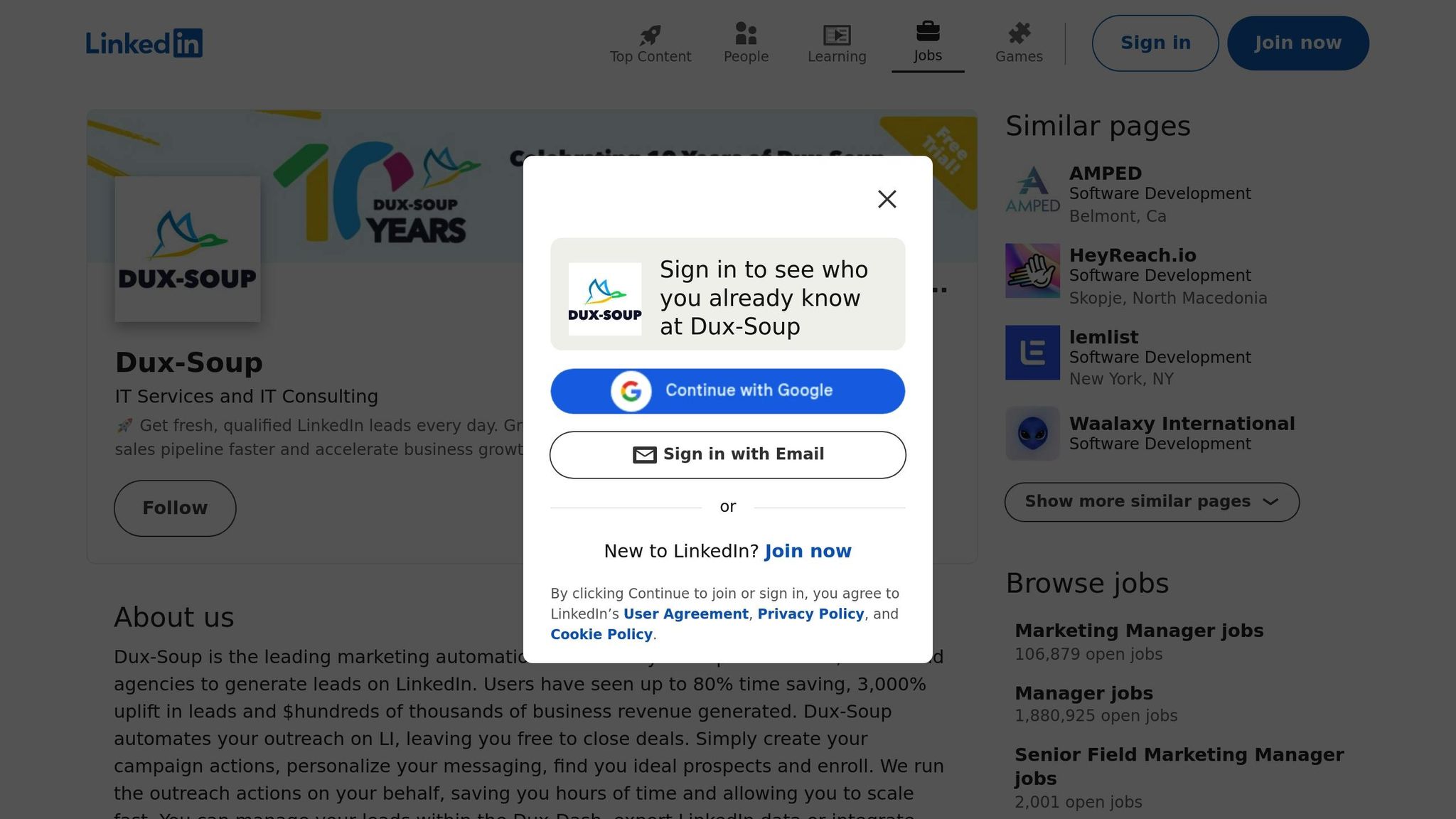
Dux-Soup is packed with features designed to enhance your LinkedIn outreach. It works directly with native LinkedIn accounts, including LinkedIn Premium, Recruiter, and Sales Navigator. By operating within LinkedIn's own environment, it keeps your account activity secure and ensures all your actions are recorded natively.
The tool connects seamlessly with CRMs like Salesforce, HubSpot, Pipedrive, and Freshsales in just minutes. Once integrated, it can automatically add contacts and update CRM records with LinkedIn profile details, keeping your sales pipeline current. This smooth integration, combined with its automation capabilities, makes managing outreach much easier.
Automation Features for Outreach
Dux-Soup enables multi-step drip campaigns with up to 12 different actions, such as profile visits, follows, connection requests, endorsements, InMails, and direct messages. Campaigns automatically pause if a prospect responds, giving you the chance to step in and personalize the conversation.
To protect your account, Dux-Soup uses randomized delays and controls the speed of actions to mimic natural behavior. Its auto-snooze feature halts activity once daily limits are reached, reducing the risk of detection. Additionally, smart sequencing ensures no redundant actions - like skipping connection requests for current 1st-degree connections or only sending InMails when appropriate.
Pricing and Scalability
Dux-Soup offers pricing plans designed to fit teams of all sizes. The Pro Plan starts at $14.99/month and covers basic automation needs. For $55.00/month, the Turbo Plan includes unlimited drip campaigns, native CRM integrations, and advanced Funnel Flow analytics to track your conversion rates. Larger teams managing multiple LinkedIn profiles can opt for the Cloud Plan at $99.00/month, which provides 24/7 automation and multi-account support.
4. Zopto
LinkedIn Integration Capabilities
Zopto is a cloud-based platform that connects directly to your LinkedIn or Sales Navigator account. Unlike browser extensions that require your computer to stay on, Zopto operates continuously from the cloud, running your campaigns 24/7 [8][9].
Its standout search-to-sequence feature lets you import LinkedIn or Sales Navigator search results directly into the platform and turn them into automated outreach sequences. For agencies or larger teams, Zopto simplifies coordination by allowing multiple LinkedIn profiles to be managed from a single dashboard.
To keep your LinkedIn account safe, Zopto uses features like randomized delays, daily and weekly limits, and office-hour detection to simulate natural human activity. It also integrates seamlessly with tools like Zapier, webhooks, and CSV exports, so you can route leads and responses directly into your CRM.
Automation Features for Outreach
Thanks to its direct LinkedIn integration, Zopto automates repetitive outreach tasks like profile visits, follows, connection requests, InMails, and message sequences. This efficiency has earned it a professional rating of 8.3/10 as a LinkedIn-focused outreach tool [9].
One of its standout features is AI-assisted personalization, which creates message variations and adjusts tone to maintain consistency across large campaigns.
Zopto also includes built-in A/B testing, so you can experiment with different messaging styles and timing. You can duplicate steps, refine your strategy, and identify what generates the best response rates before scaling up. As Emily T., a Sales Manager, noted:
Zopto has completely transformed our prospecting process. We've seen a 40% increase in connection acceptance rates, and our sales pipeline is growing faster than ever. [8]
These automated tools, paired with detailed lead tracking, help you engage prospects more effectively.
Lead Generation and Scoring Tools
Zopto’s dashboard provides detailed reporting with funnel metrics that track engagement at every stage. This makes it easy to identify which prospects need immediate attention. Campaigns can be tailored using LinkedIn's advanced filters to target specific locations, industries, job titles, company sizes, and seniority levels.
To maintain efficiency and account safety, Zopto includes features like global blocklists and auto-pauses when decline rates increase. These tools help you monitor performance in real time and adjust your approach as needed.
Pricing and Scalability
Zopto positions itself as a premium service, with plans designed to meet various needs:
- Personal Plan: $215/month for one LinkedIn account with basic automation.
- Grow Plan: $395/month for up to two accounts, including full automation and A/B testing.
- Agency Plan: $895/month for up to five accounts, with advanced reporting and a dedicated account manager.
- Enterprise Plan: Custom pricing for unlimited accounts and API access [8].
These options make Zopto scalable for individuals, small teams, and large organizations.
sbb-itb-817c6a5
5. Octopus CRM
LinkedIn Integration Capabilities
Octopus CRM is a Chrome extension that works locally on your browser, meaning it’s only active when your computer is on. Unlike cloud-based platforms, it operates campaigns directly through your browser. It’s compatible with LinkedIn Free, Premium, Sales Navigator, and Recruiter Lite accounts, depending on your subscription level.
The tool comes with a local dashboard where you can manage leads, monitor campaign performance, and organize outreach efforts. A standout feature is the "Connect by Email" option, which allows you to bypass LinkedIn’s weekly connection request limits by sending requests via email instead of LinkedIn’s native system. Like other leading tools, Octopus CRM prioritizes automation while maintaining account security.
Automation Features for Outreach
Octopus CRM takes LinkedIn outreach to the next level with its automation features. It simplifies repetitive tasks and lets you create personalized funnels for your campaigns. For instance, you can sequence actions like sending a connection request, following up with a "thank you" message after acceptance, endorsing up to seven skills on a profile, and scheduling additional follow-ups.
The platform allows you to bulk-send personalized connection requests and messages to different LinkedIn contact tiers. Its auto-visit feature enhances your profile visibility by viewing prospects’ profiles, while the auto-endorsement function helps build rapport by endorsing skills - often prompting others to return the favor.
For users on the Unlimited plan, the Activity Control feature provides alerts if your actions exceed safe limits, helping you avoid LinkedIn’s spam filters. Octopus CRM also integrates directly with HubSpot and connects to thousands of apps via Zapier, making it easy to sync leads with your existing sales tools.
These features make Octopus CRM an efficient and scalable solution for LinkedIn outreach.
Pricing and Scalability
Octopus CRM is one of the most budget-friendly LinkedIn automation tools available. The Starter plan starts at $9.99/month (or $6.99/month when billed annually) and includes features like a personal CRM, auto-invites, and personalized messaging. The Pro plan, priced at $14.99/month ($9.99/month annually), adds bulk messaging and auto-viewing capabilities.
For more advanced needs, the Advanced plan costs $21.99/month ($14.99/month annually) and includes funnel-building and data import/export features. The Unlimited plan, at $39.99/month ($24.99/month annually), offers full automation, HubSpot and Zapier integrations, Activity Control, and compatibility with Recruiter Lite. Agencies managing 20 or more accounts can also take advantage of special pricing designed for larger teams.
9 Best Linkedin Automation Tools 2025 (Full Demo & Comparison)
Conclusion
AI-driven LinkedIn tools are reshaping how outreach is done by blending automation with a personal touch. This combination is delivering tangible results, with users reporting an average connection acceptance rate of 40% and reply rates as high as 45% - a significant boost for any sales pipeline[2].
For small businesses and solopreneurs (1–10 employees), tools like Octopus CRM are a game-changer. These budget-friendly options automate tasks like connection requests and profile visits, doubling or even tripling efficiency without requiring technical know-how.
As teams grow in size, the need for more advanced tools becomes clear. Mid-sized teams (11–50 employees) can leverage platforms like SalesMind AI, which offer features such as advanced lead scoring and a unified inbox for managing multiple accounts. These capabilities streamline the process of identifying high-value prospects, making lead prospecting far more efficient[1].
Larger organizations (50+ employees) demand more comprehensive solutions. Tools like LinkedIn Sales Navigator provide advanced analytics, compliance workflows, and seamless CRM integration. They also include features like local IP management and human-like activity, ensuring scalable yet secure operations for enterprise-level teams.
The key to successful LinkedIn outreach lies in matching the tool’s capabilities to your business’s needs. For lead qualification and personalized follow-ups, focus on platforms with AI-powered messaging and lead scoring. If scaling multi-account outreach is your priority, look for cloud-based tools with campaign segmentation. For content creation and engagement, tools with post generators and scheduling features are ideal. Always test free trials to evaluate safety features and ensure compatibility with your existing sales stack before committing to a long-term plan. Choose the tool that aligns with your goals and scales with your organization to maximize your outreach results.
FAQs
How do AI tools keep your LinkedIn account safe while automating tasks?
AI tools for LinkedIn automation are built with account safety in mind. They replicate natural user behavior and stay within LinkedIn's activity limits. Features like gradual increases in activity, tailored messaging, and multi-step campaigns help ensure the automation feels organic and avoids triggering platform restrictions.
To keep your account secure, these tools also cap daily actions, prioritize data protection, and promote smart practices - like creating a strong, trustworthy profile before starting automated outreach. Together, these strategies allow businesses to expand their lead generation and outreach efforts without jeopardizing their account's standing.
What should I look for in an AI tool that integrates with LinkedIn?
When choosing an AI tool for LinkedIn integration, it’s essential to prioritize features that boost your outreach and lead generation efforts. Look for tools that offer personalized messaging, automated follow-ups, and lead scoring to help simplify and improve your sales workflow. Make sure the tool integrates seamlessly with your CRM and adheres to LinkedIn’s guidelines to protect your account.
It’s also worth paying attention to scalability and analytics. Pick tools that work well in multi-user setups and provide insights into key metrics like response rates and conversions. Lastly, check for clear pricing and dependable customer support to ensure you’re getting solid value and assistance when needed.
How can AI tools help small businesses improve LinkedIn outreach?
AI tools can transform LinkedIn outreach for small businesses by automating tedious tasks like sending connection requests, follow-up messages, and qualifying leads. This frees up valuable time, allowing teams to focus on what truly matters - building genuine relationships and closing deals.
What makes these tools even more effective is their ability to create personalized messages at scale. By tailoring communication to each recipient, businesses can see higher response rates and better engagement from their outreach efforts.
Platforms such as SalesMind AI take things a step further by offering features like automated lead scoring, seamless LinkedIn integration, and CRM syncing. These tools help small businesses zero in on high-value prospects, organize their workflows, and achieve better outcomes - all while saving time. With AI, scaling LinkedIn outreach becomes more efficient, giving businesses a real boost in their sales efforts.
Have You Ever Experienced Sales Done by AI?